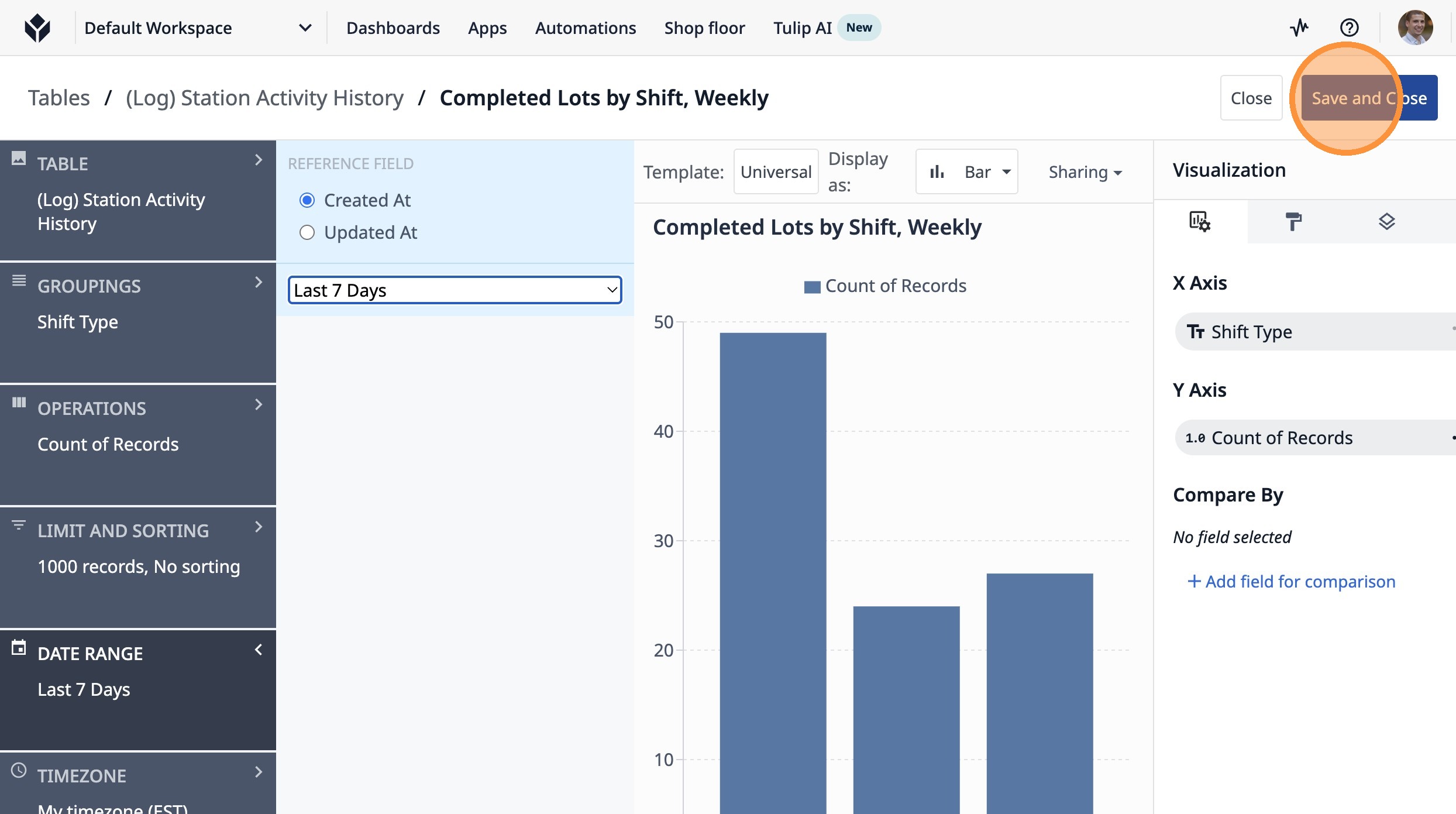
This guide will walk you through setting up a count of completed lots by shift type over the last 7 days.
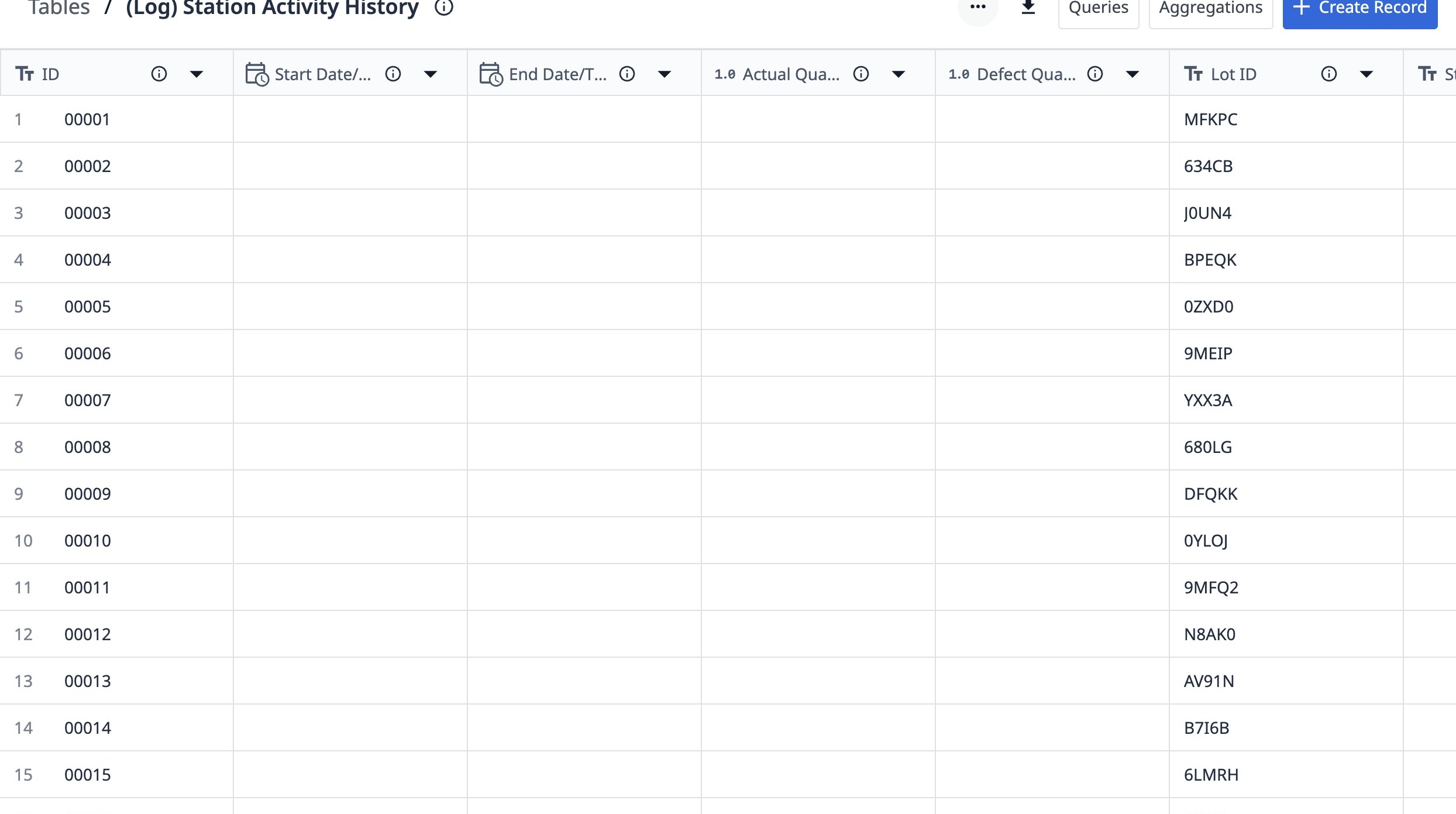
1. Navigate to a station activity history table.
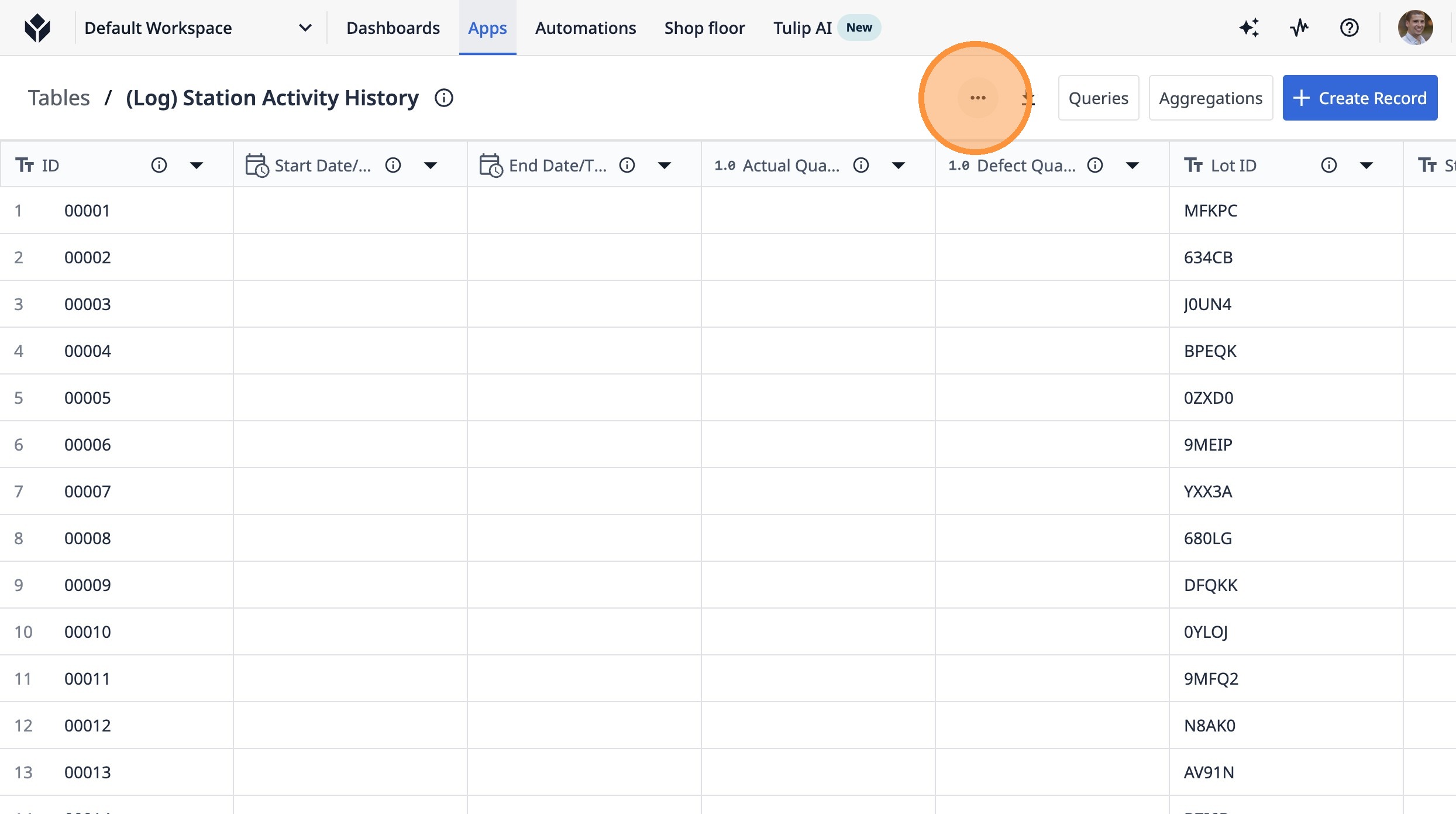
2. Click this icon.
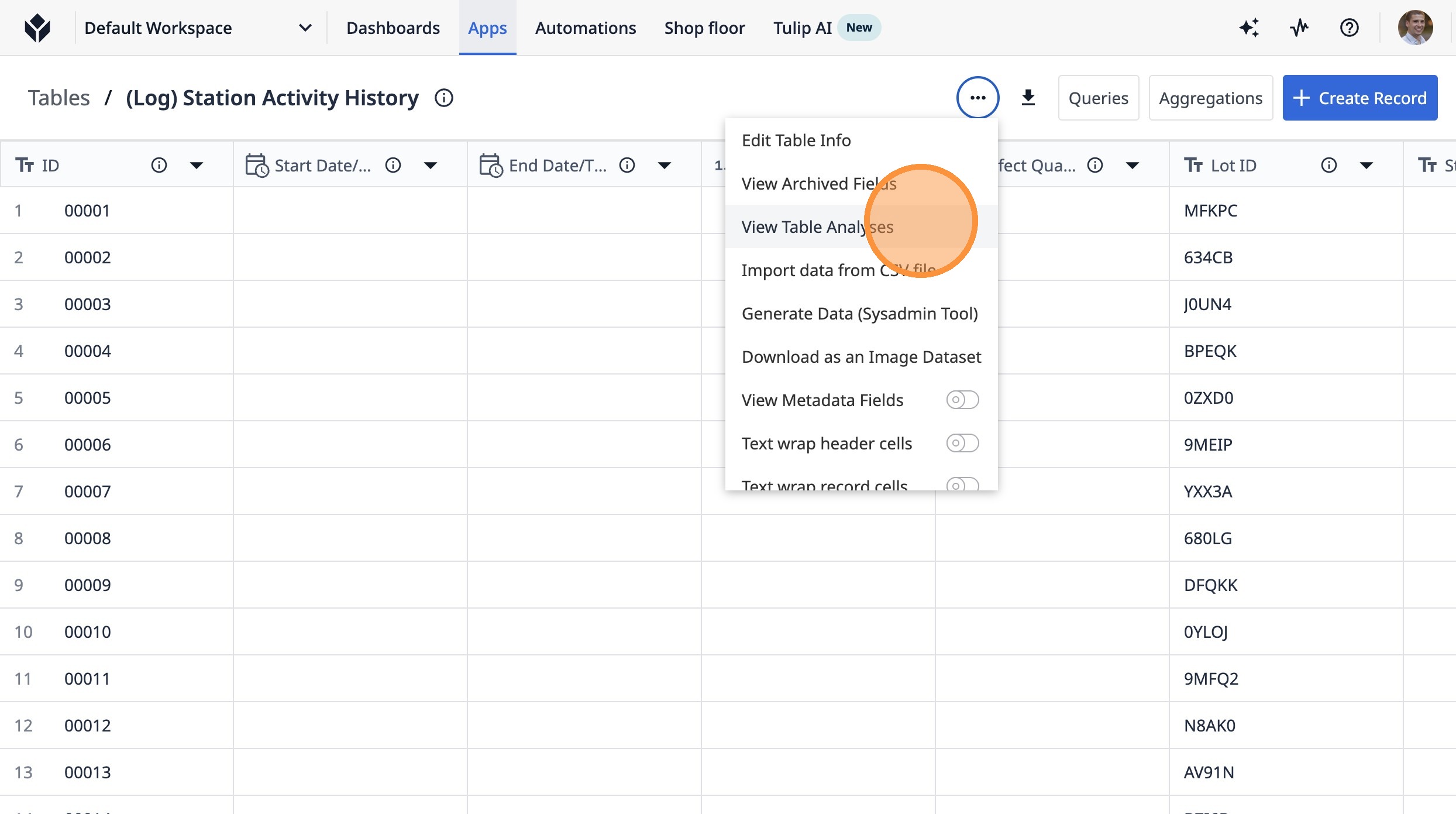
3. Click "View Table Analyses"
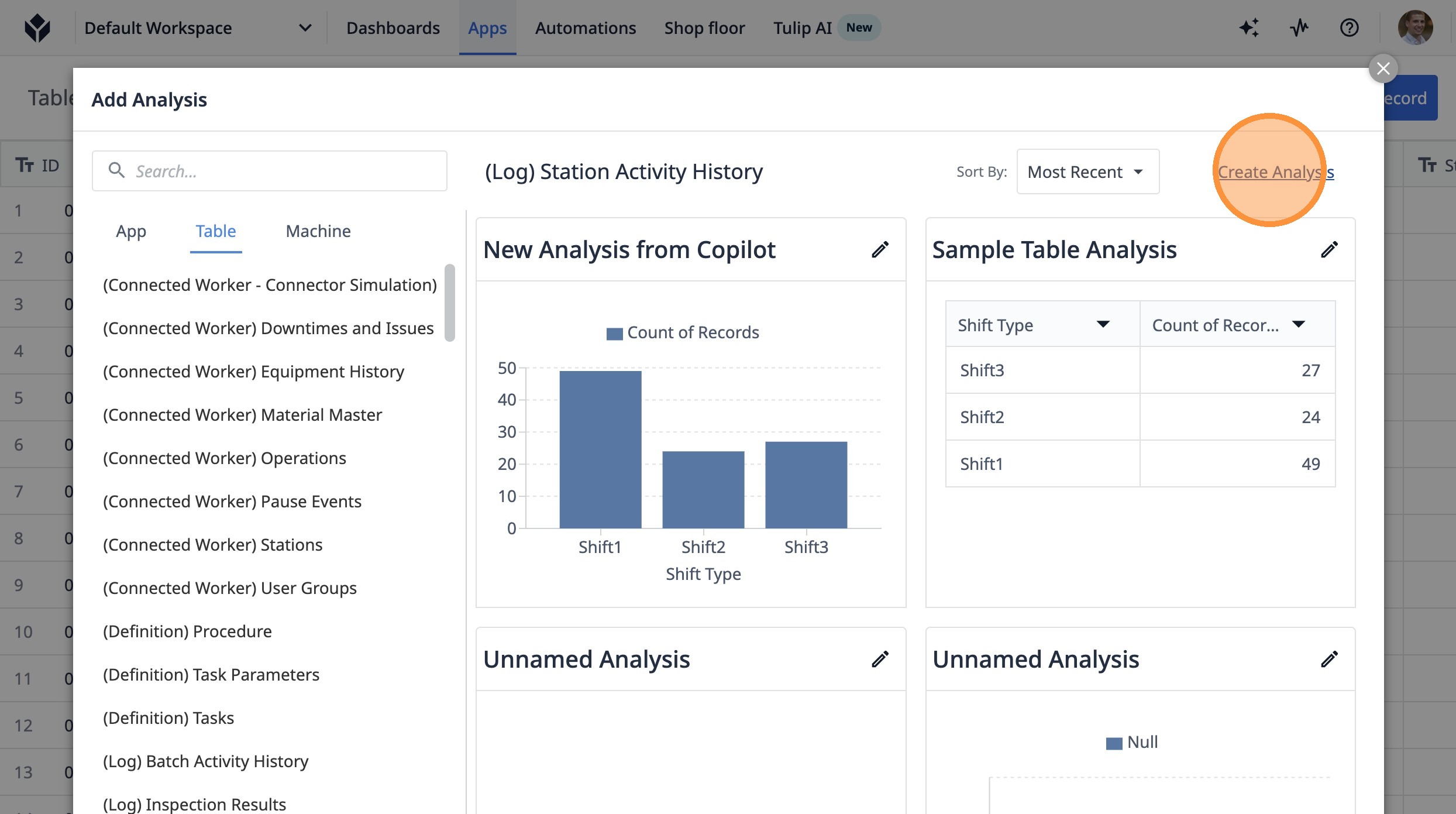
4. Click "Create Analysis"
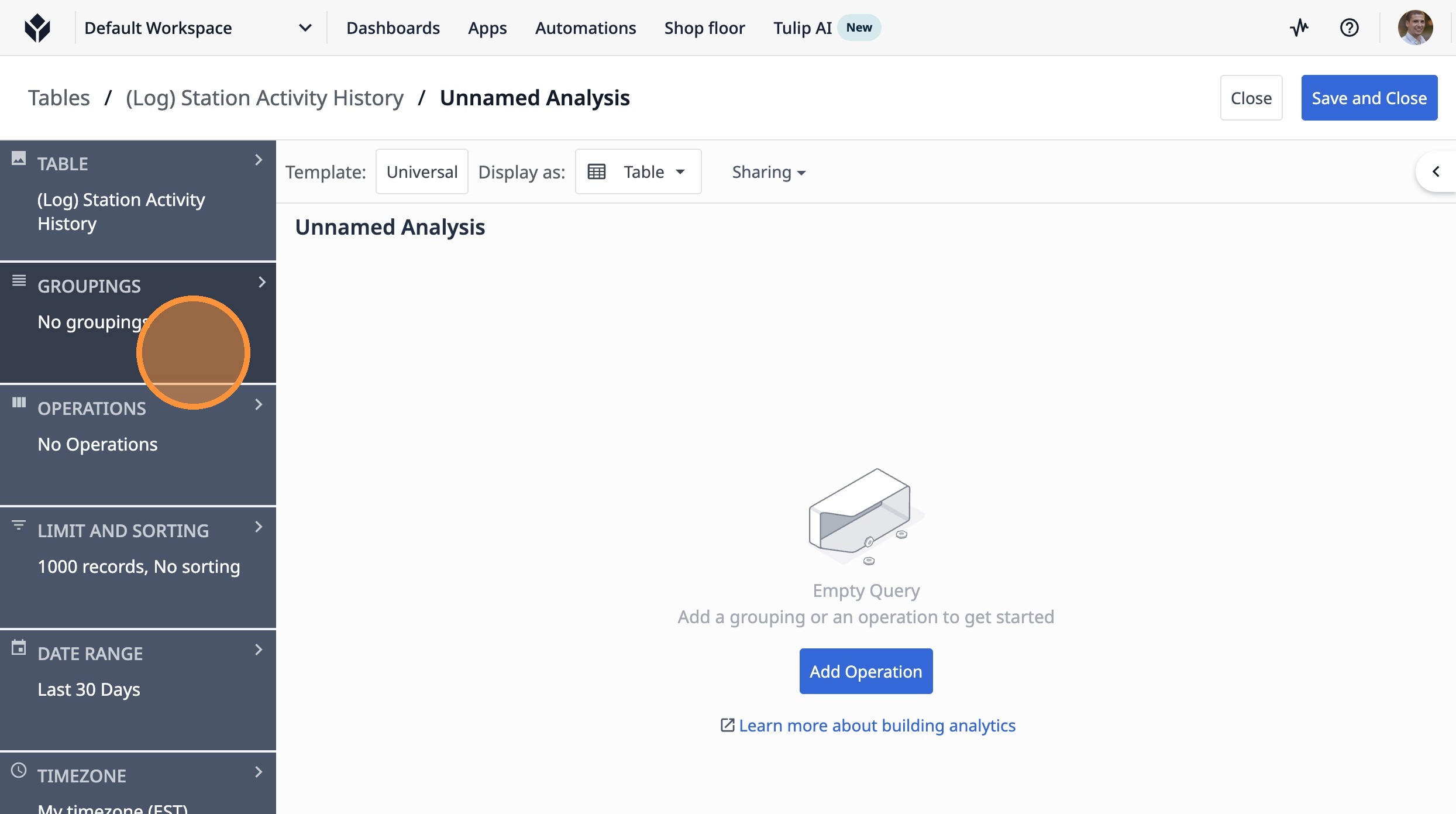
5. Click "No groupings"
6. Click "Add a grouping"
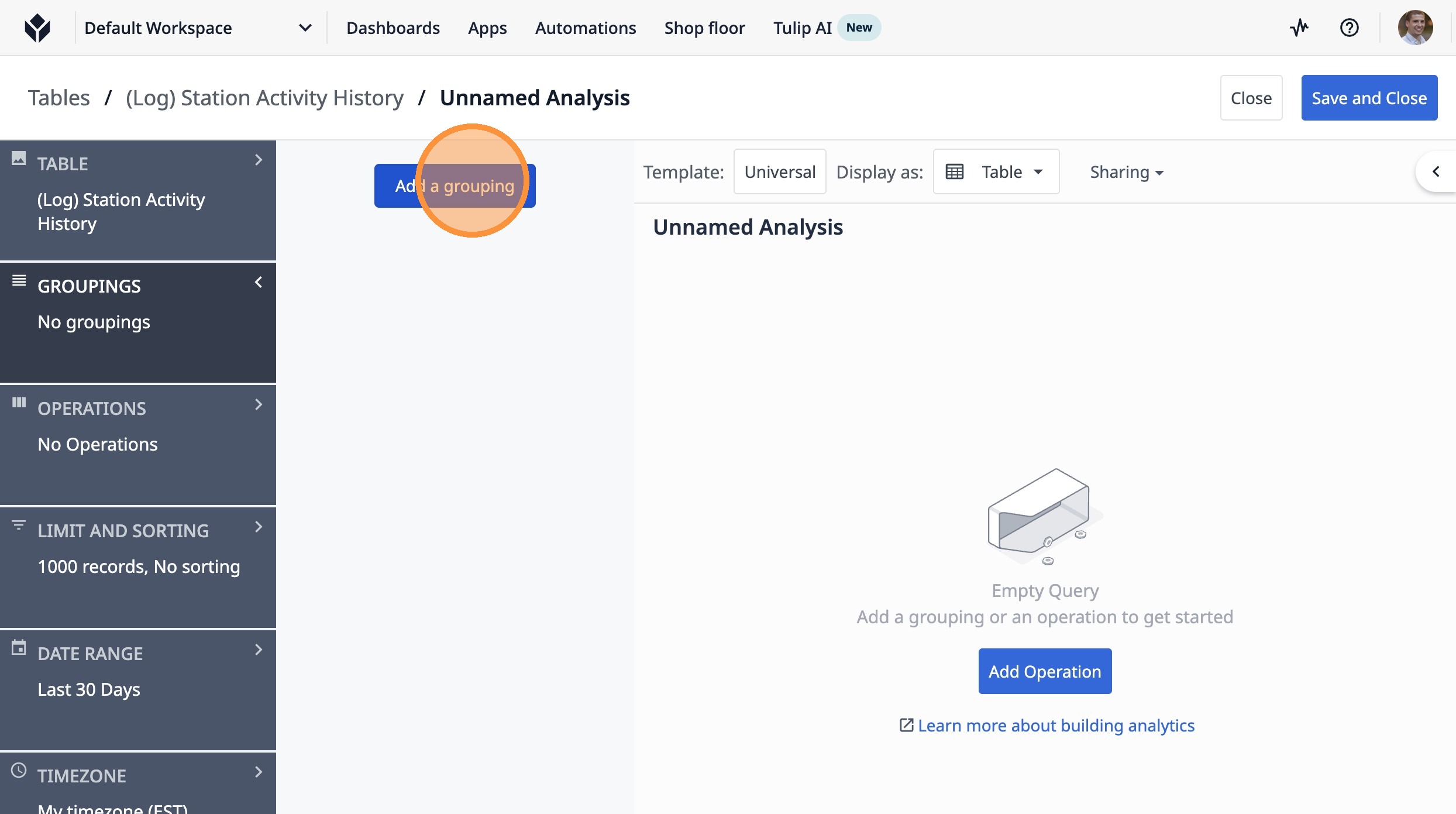
Tip: Groupings determine how you group your data
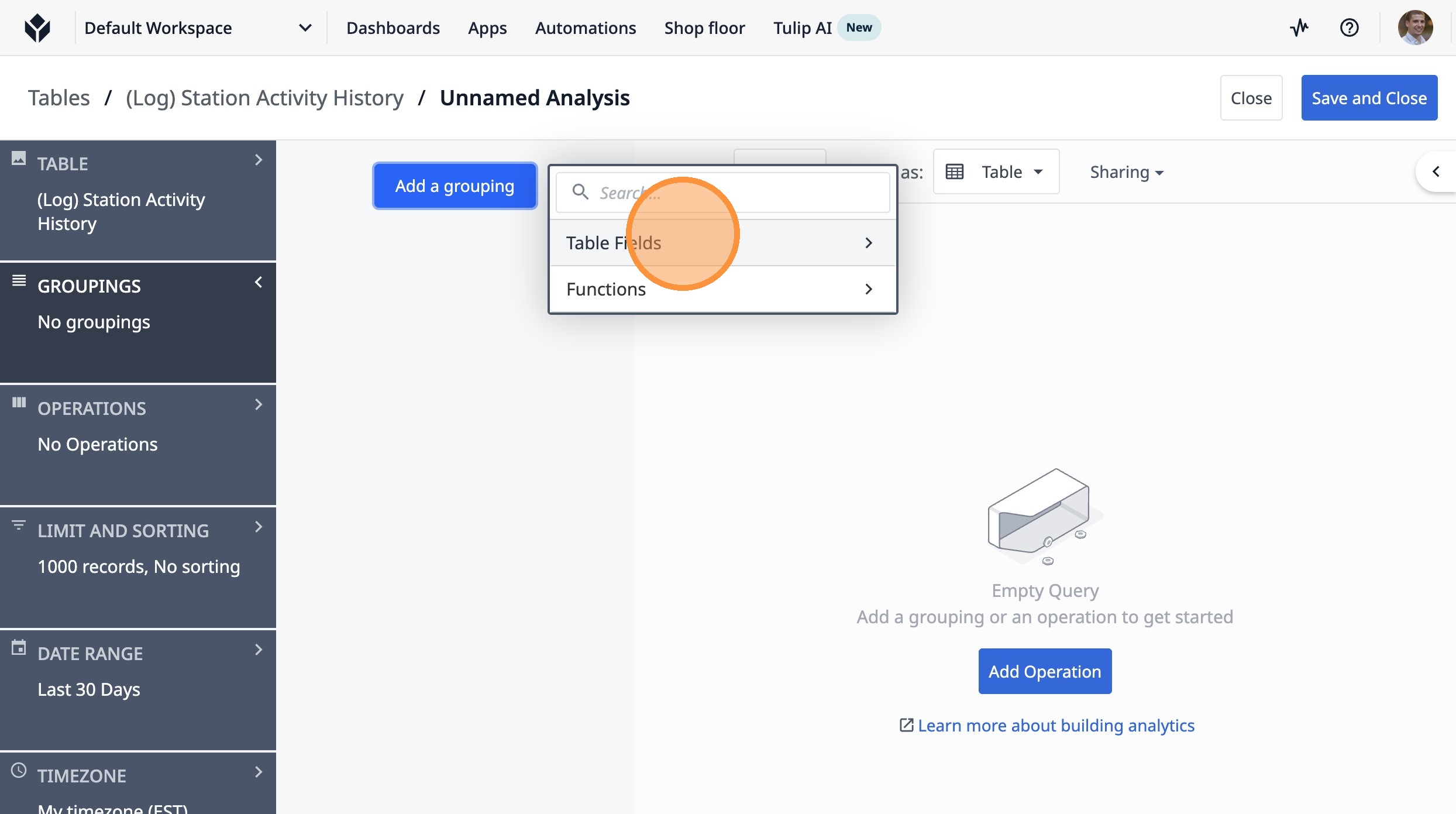
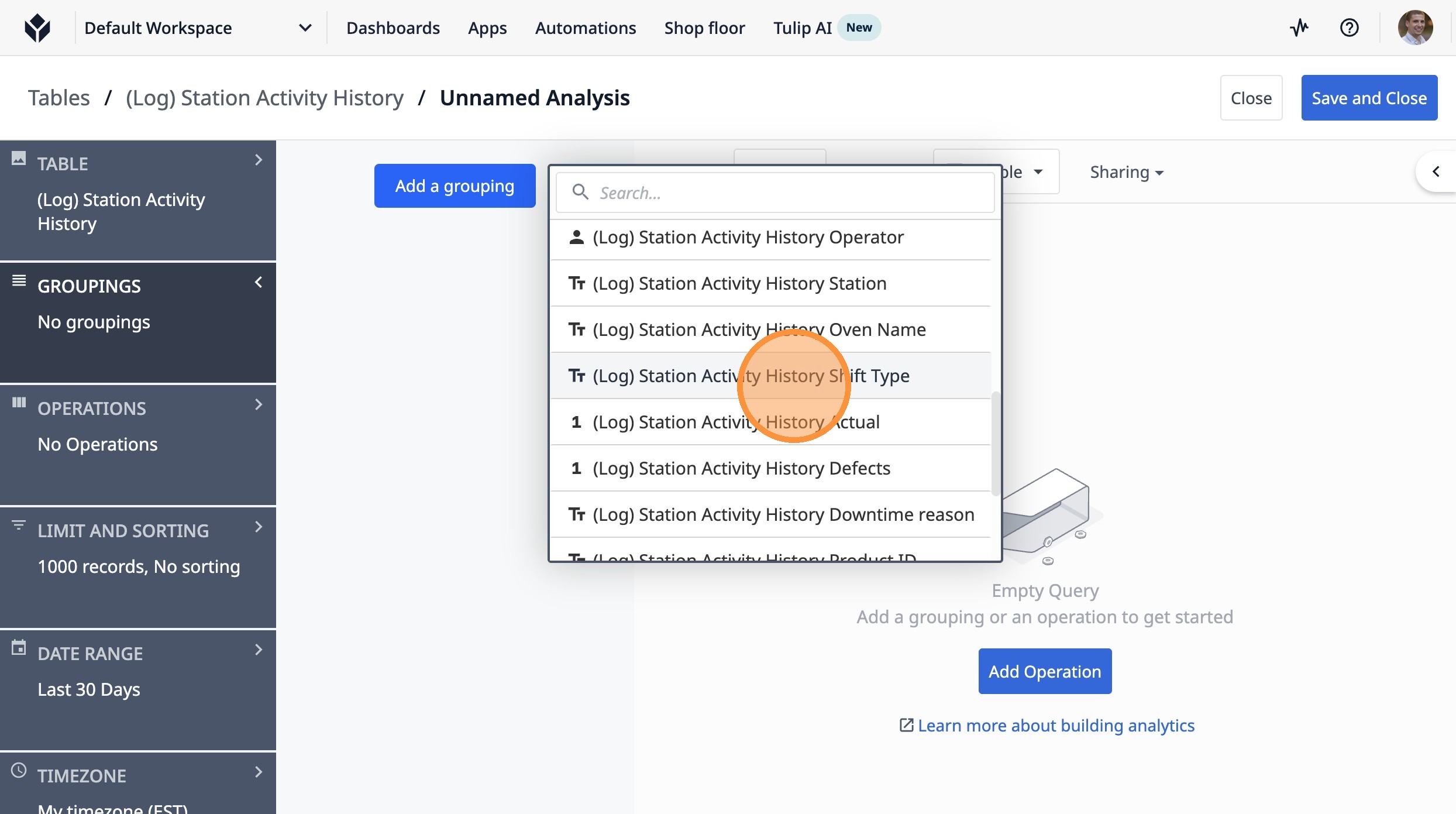
7. Click "Table Fields"
8. Click "(Log) Station Activity History Shift Type"
9. Click "No Operations"
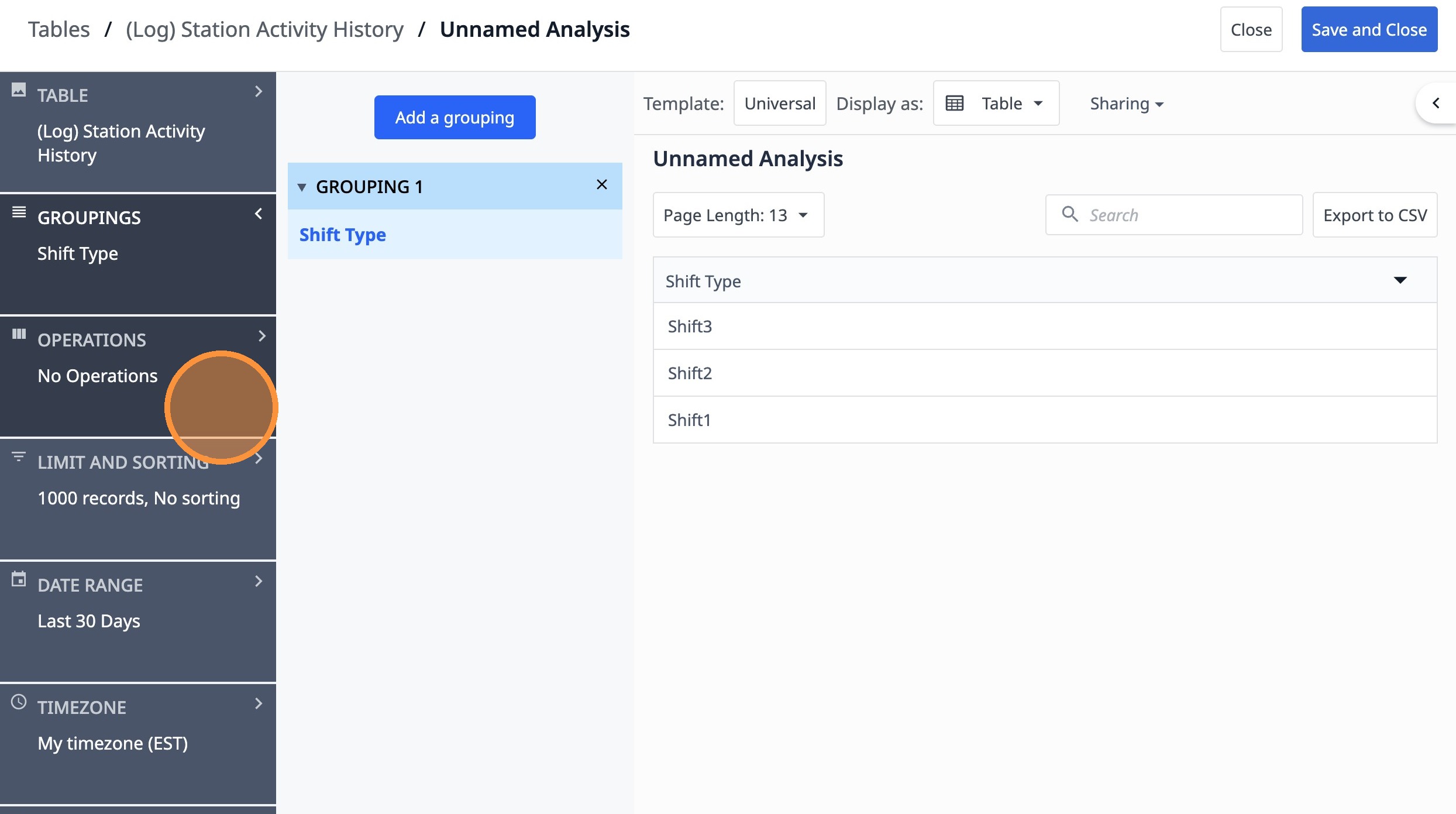
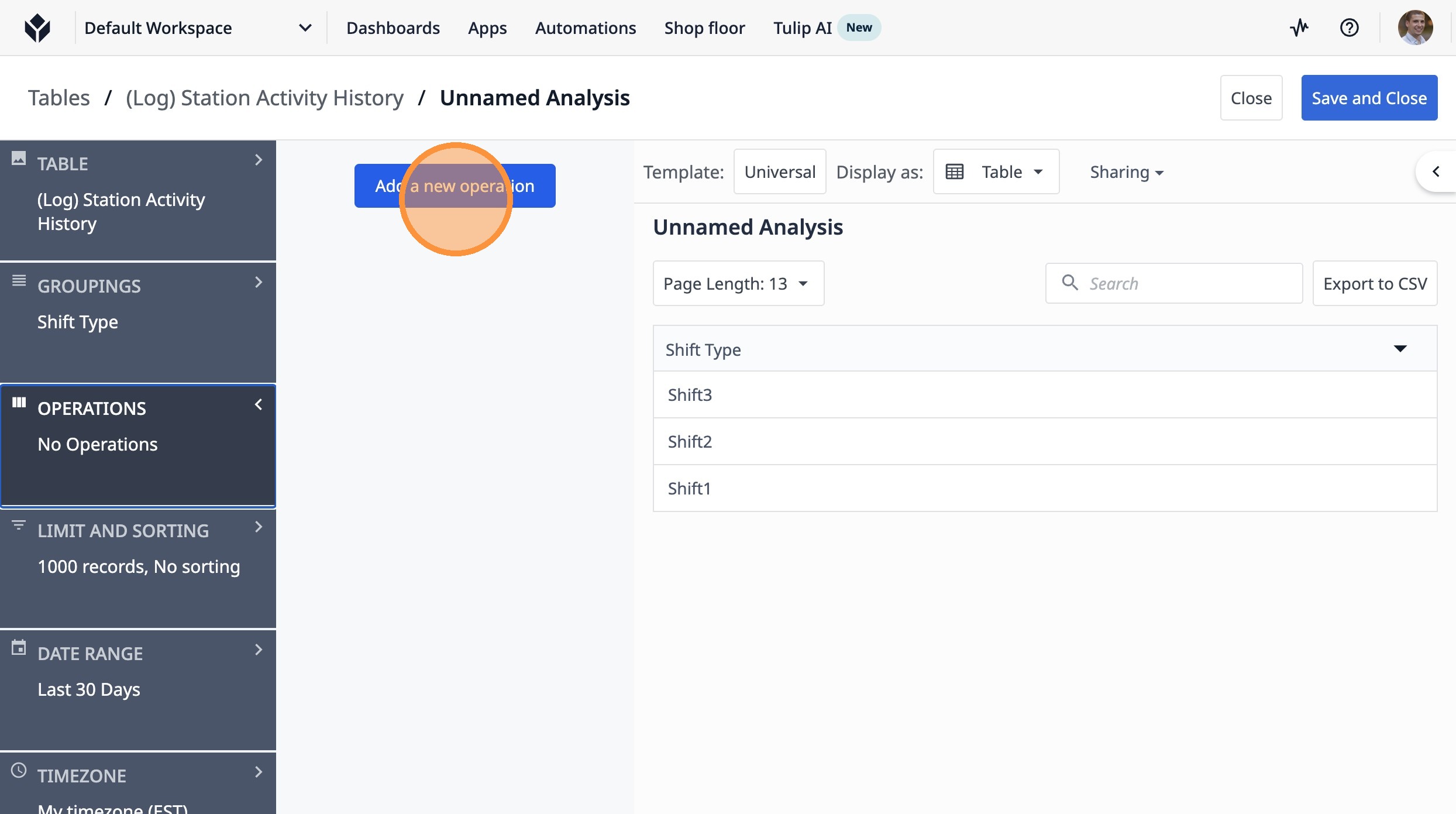
Tip: Operations are the numeric value you want to track
10. Click "Add a new operation"
11. Click "Aggregation Functions"
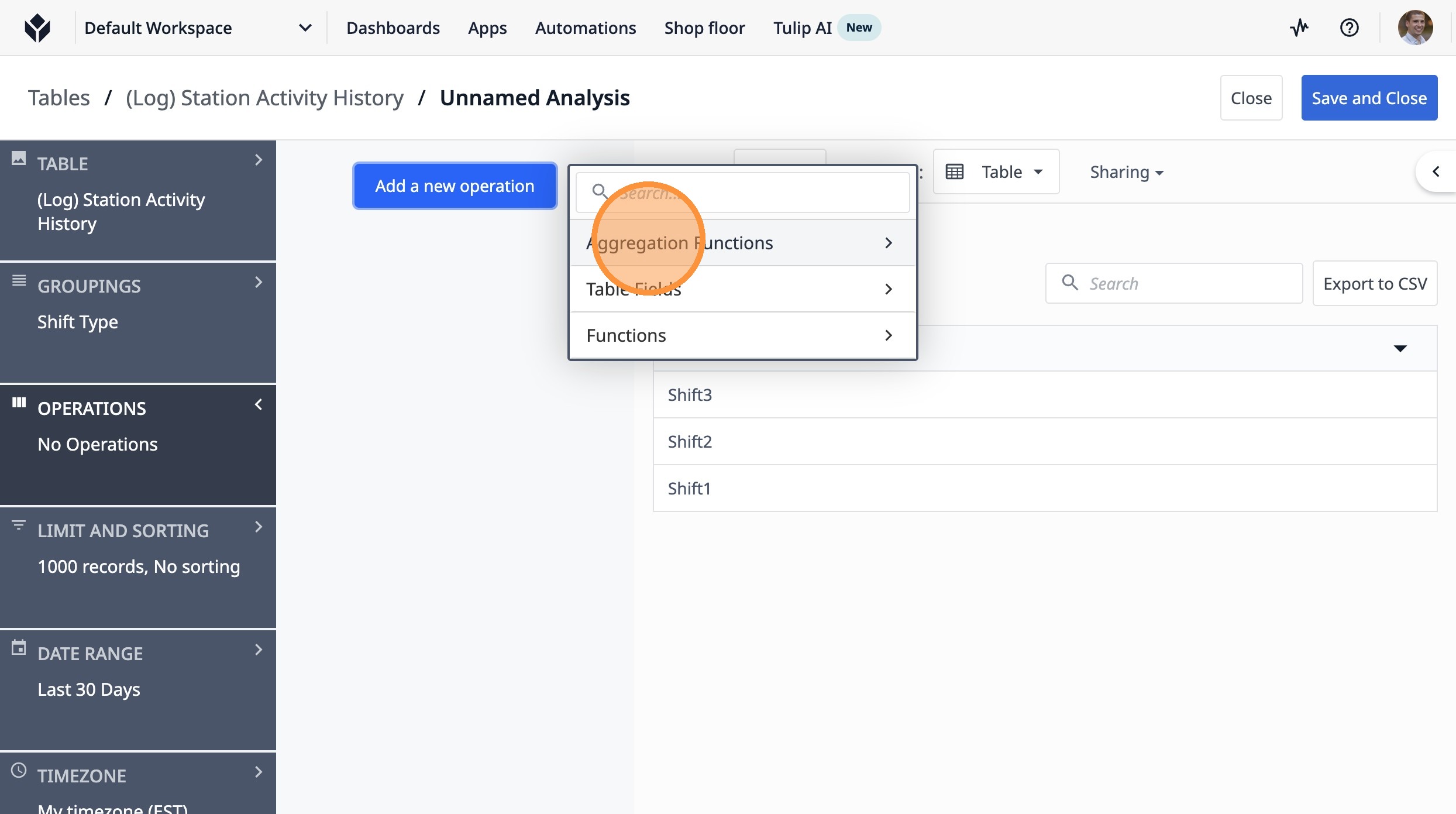
12. Click "Count of Records"
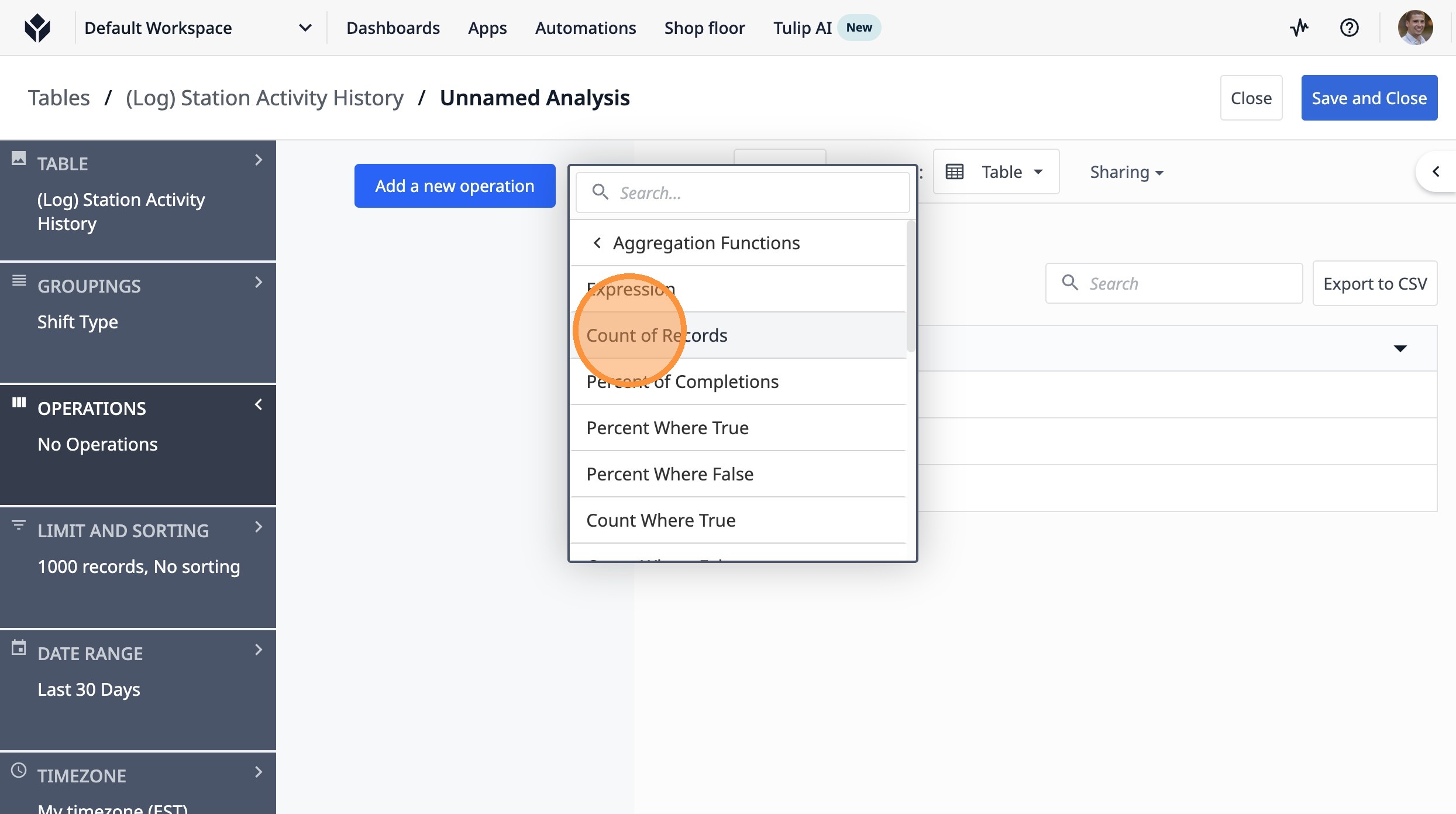
Tip: Count of Records is the count of records in a table that satisfies a certain condition
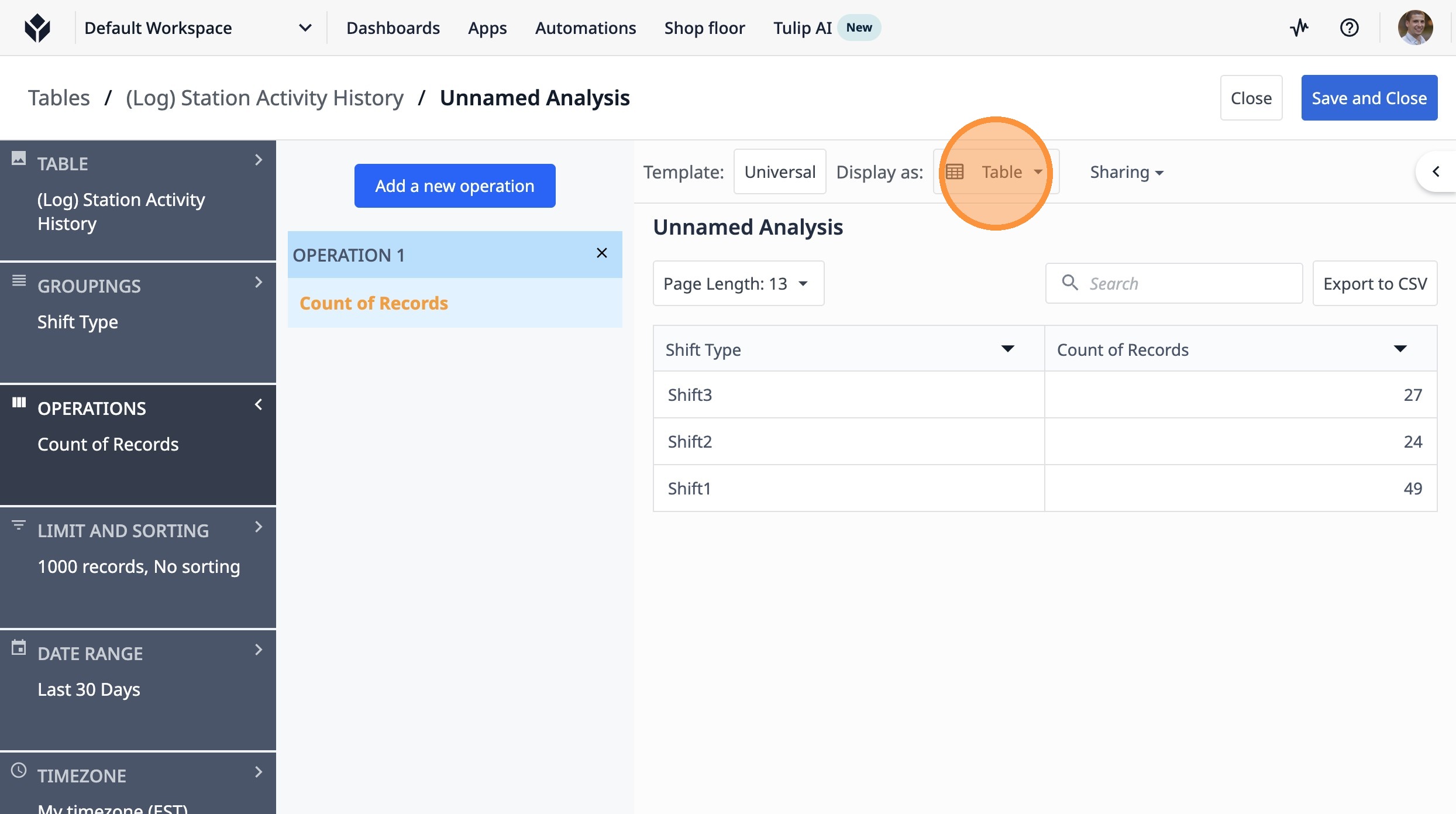
13. Click "Table"
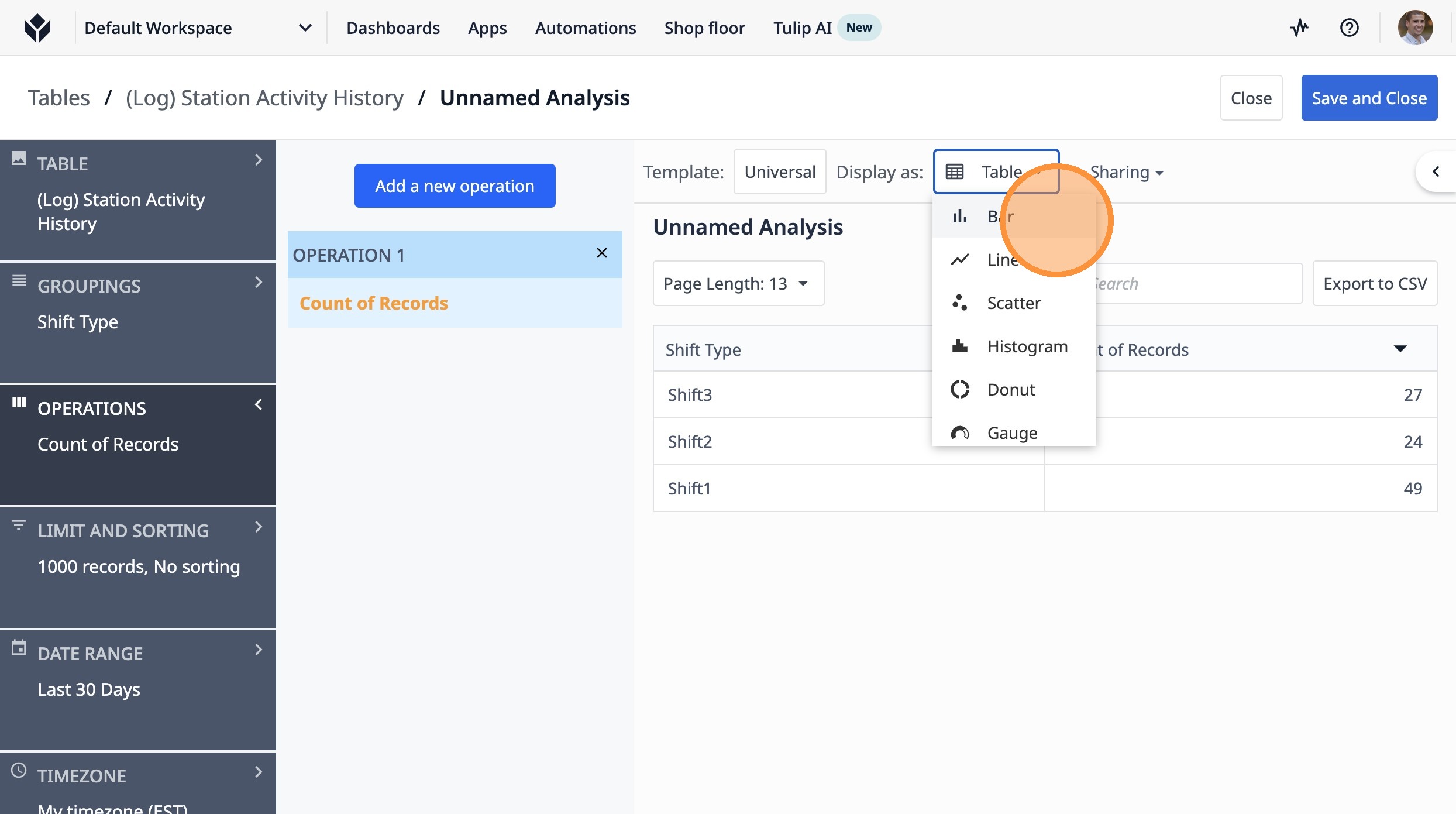
14. Click "Bar"
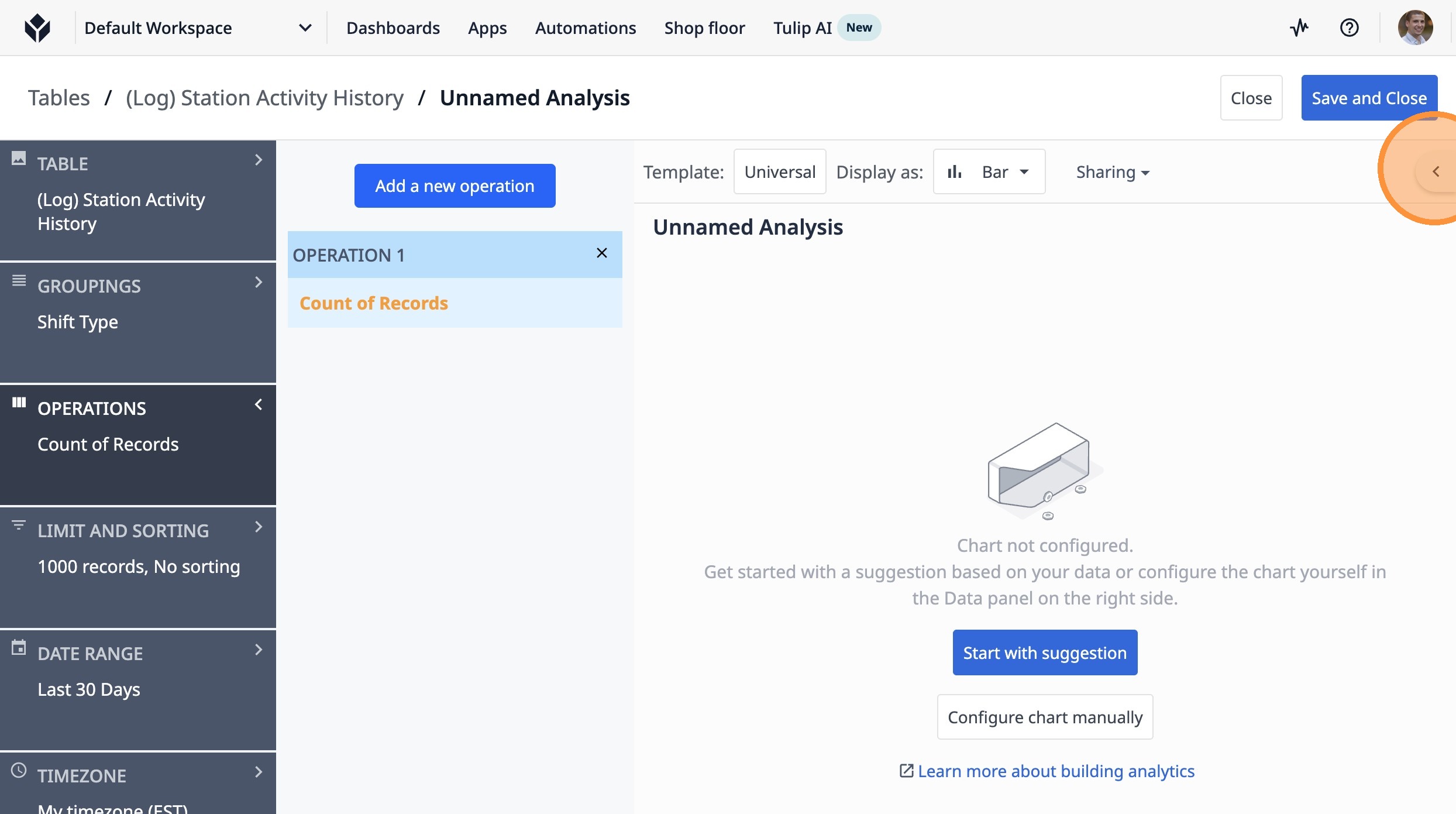
15. Click this icon.
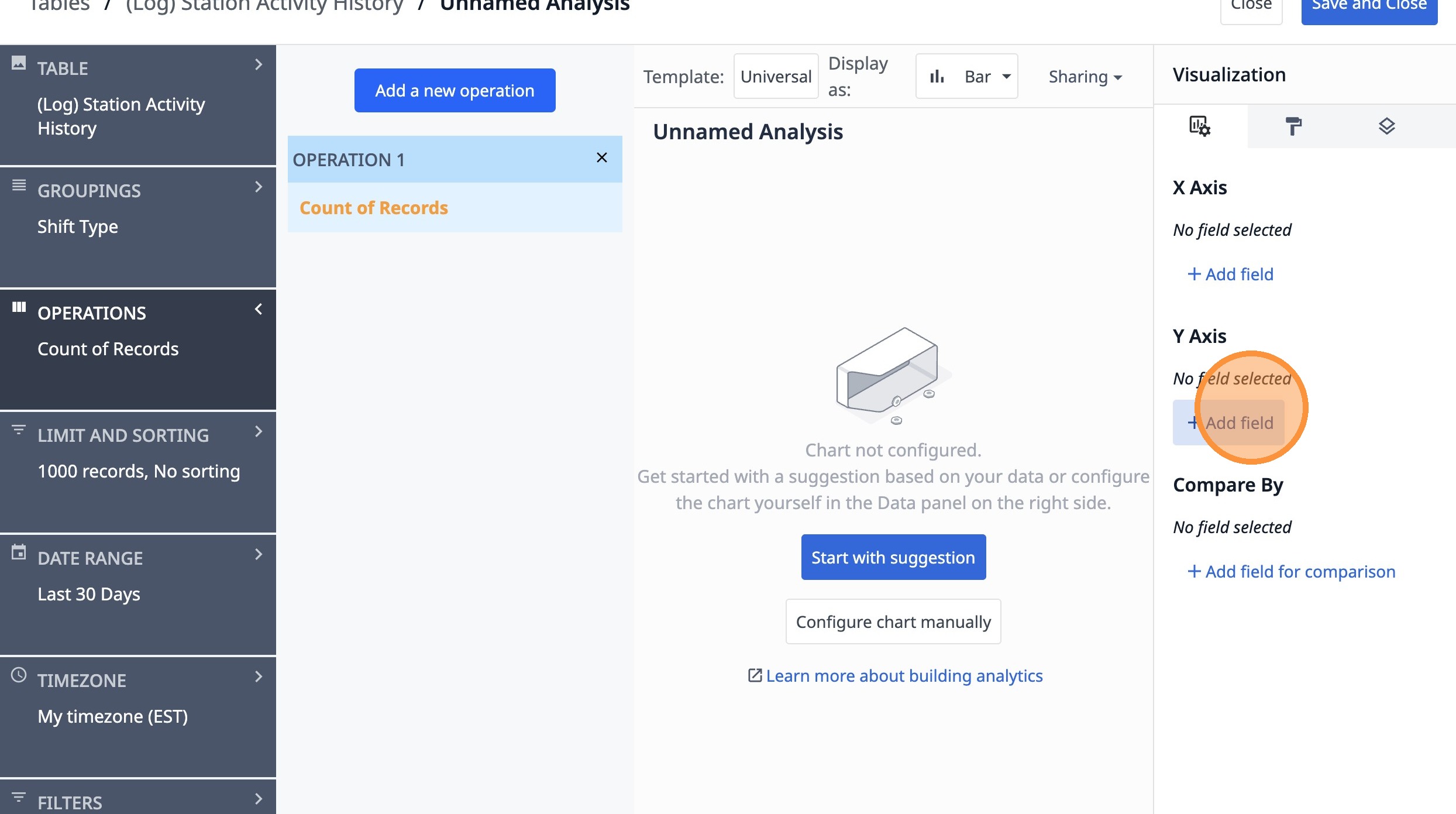
16. Click "Add field"
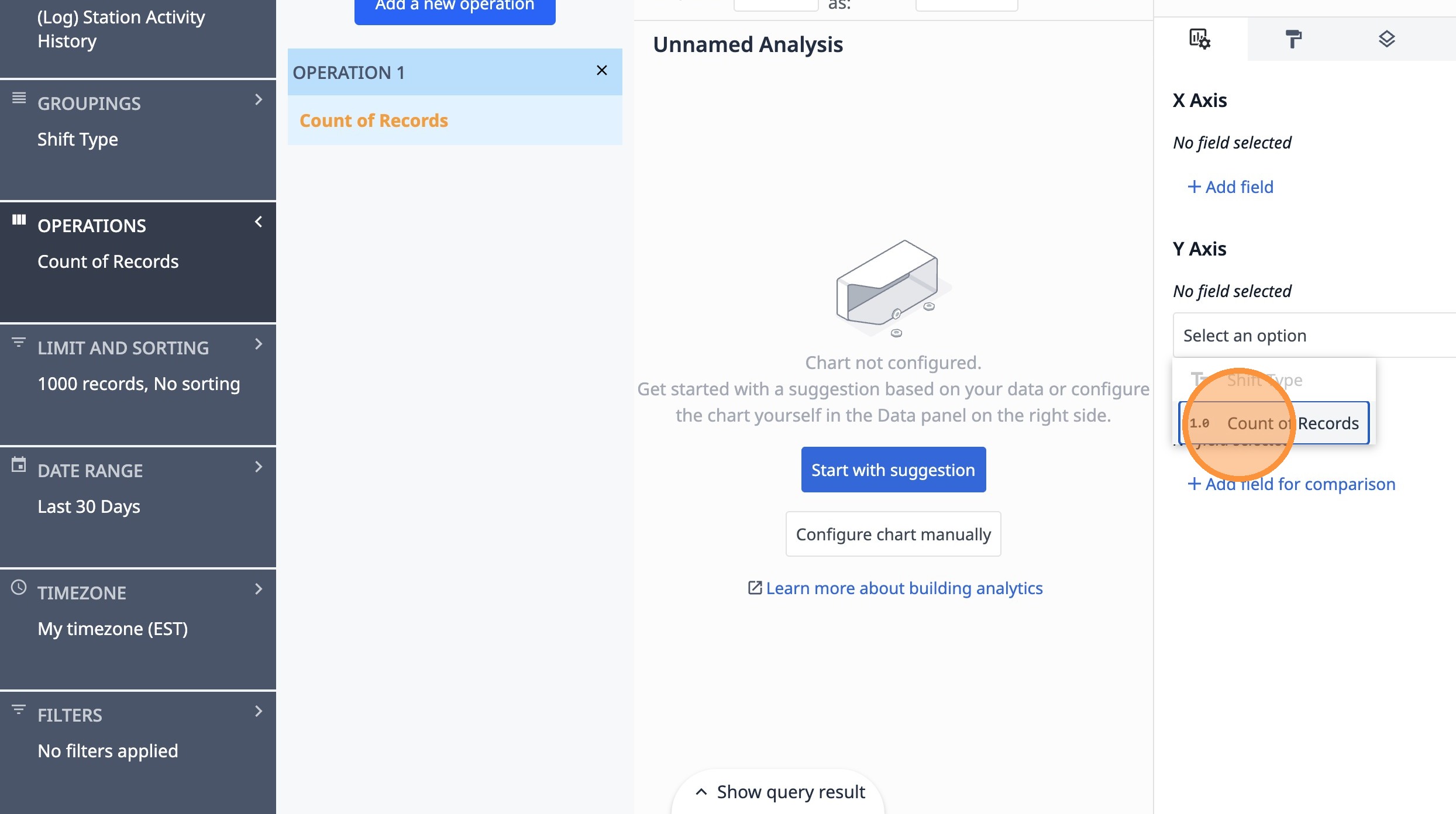
17. Click "Count of Records"
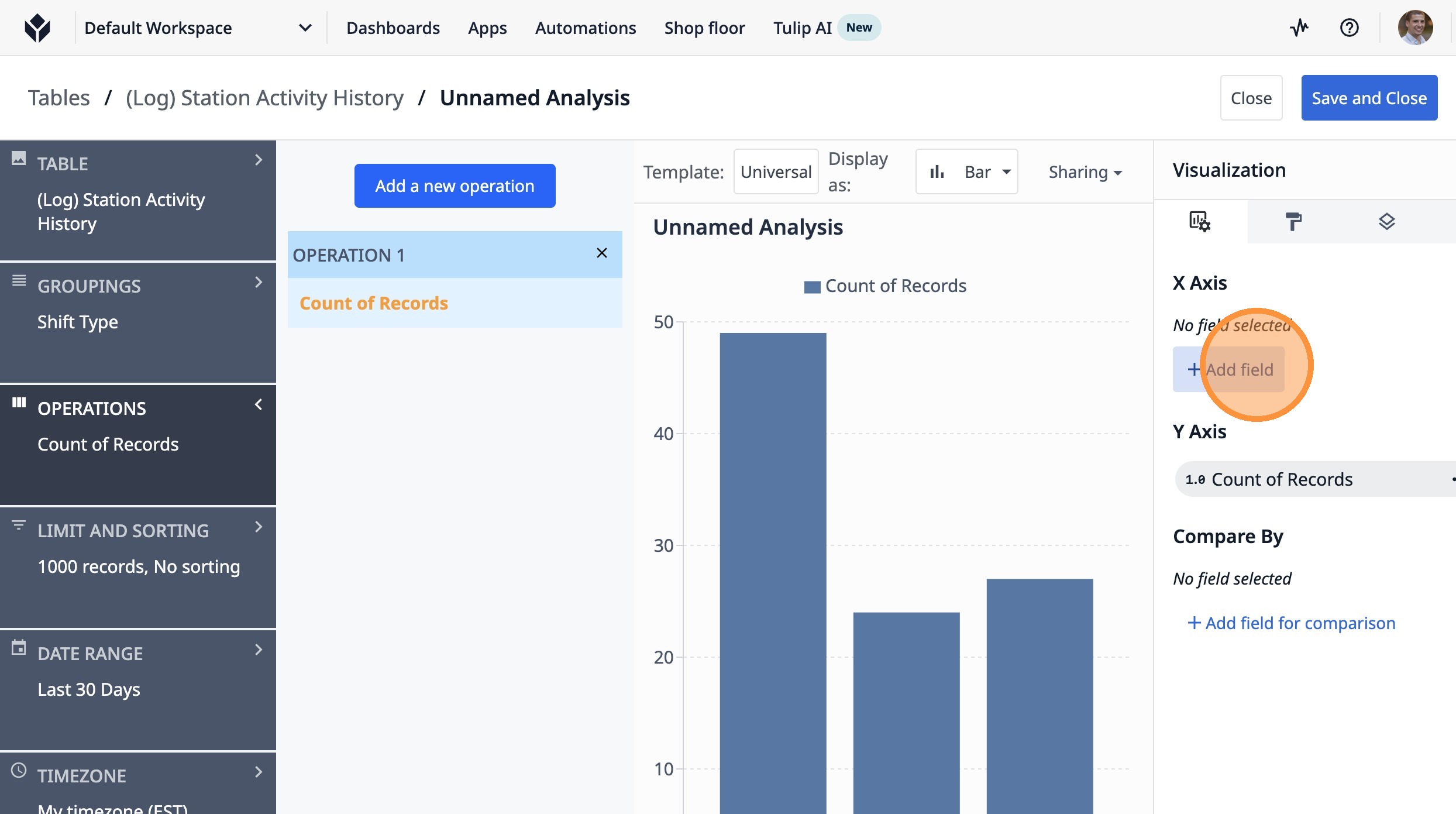
18. Click "Add field"
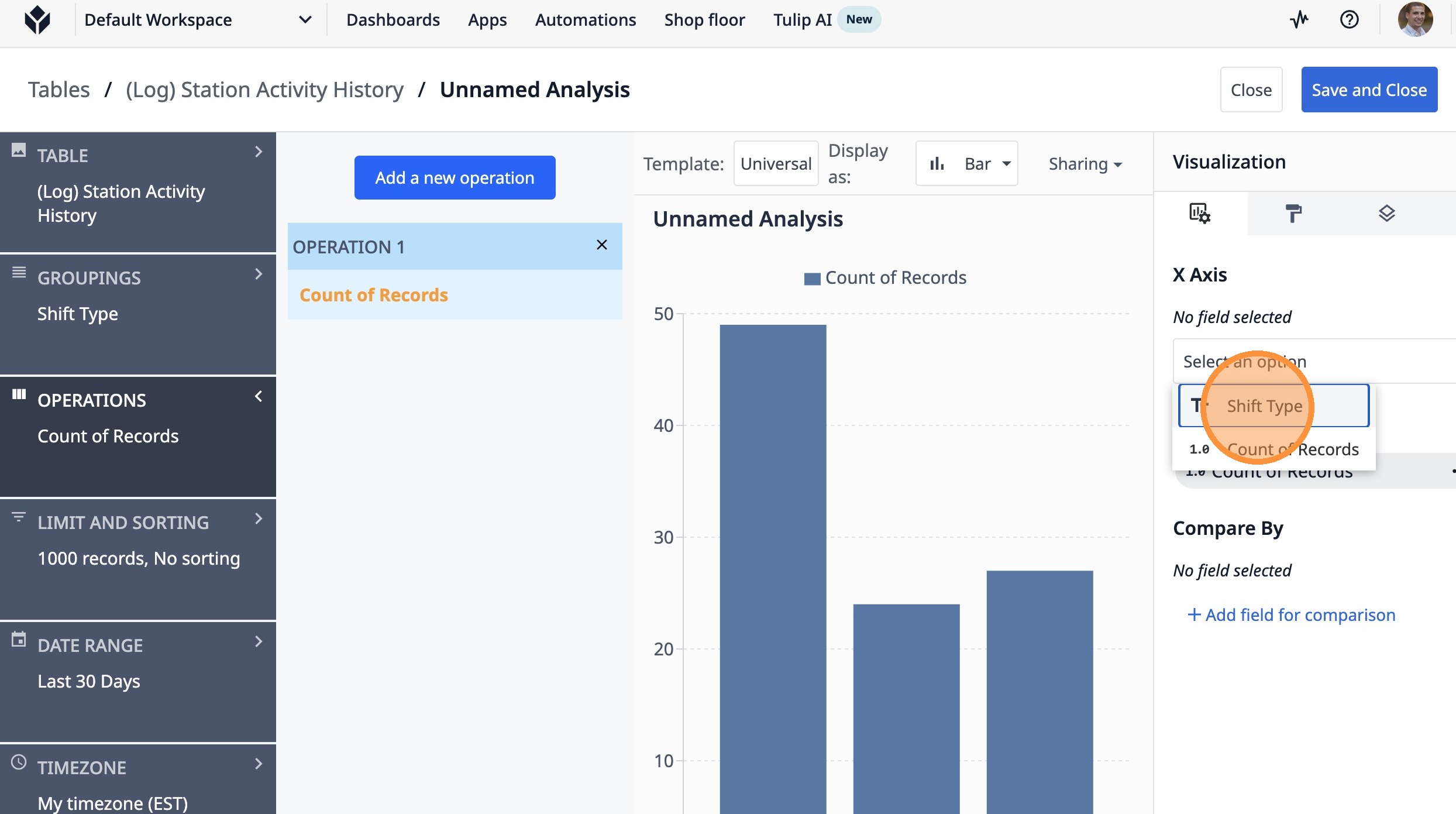
19. Click "Shift Type"
20. Click "Unnamed Analysis"
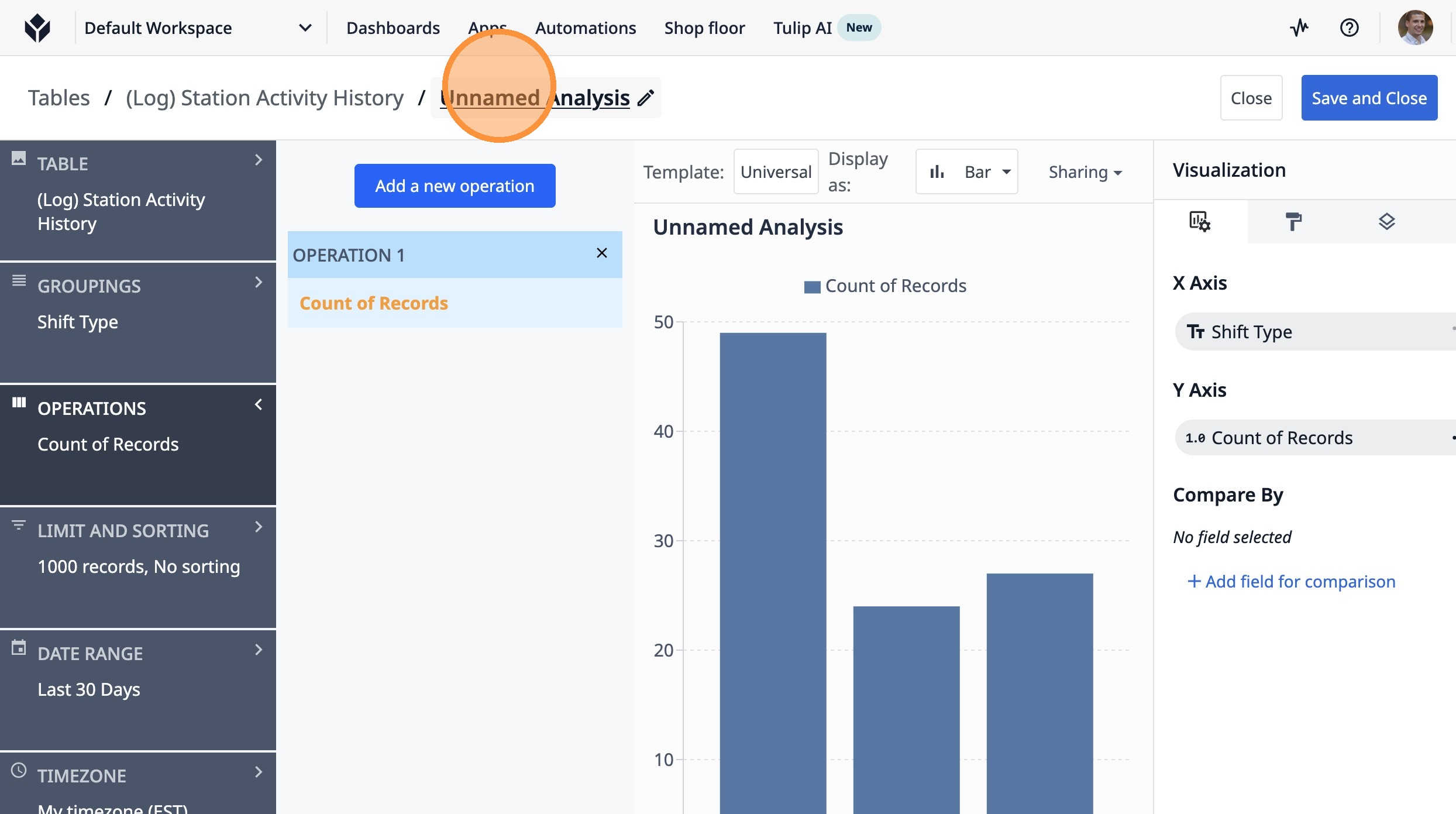
21. Type "Count of Completed"
22. Double-click this text field.
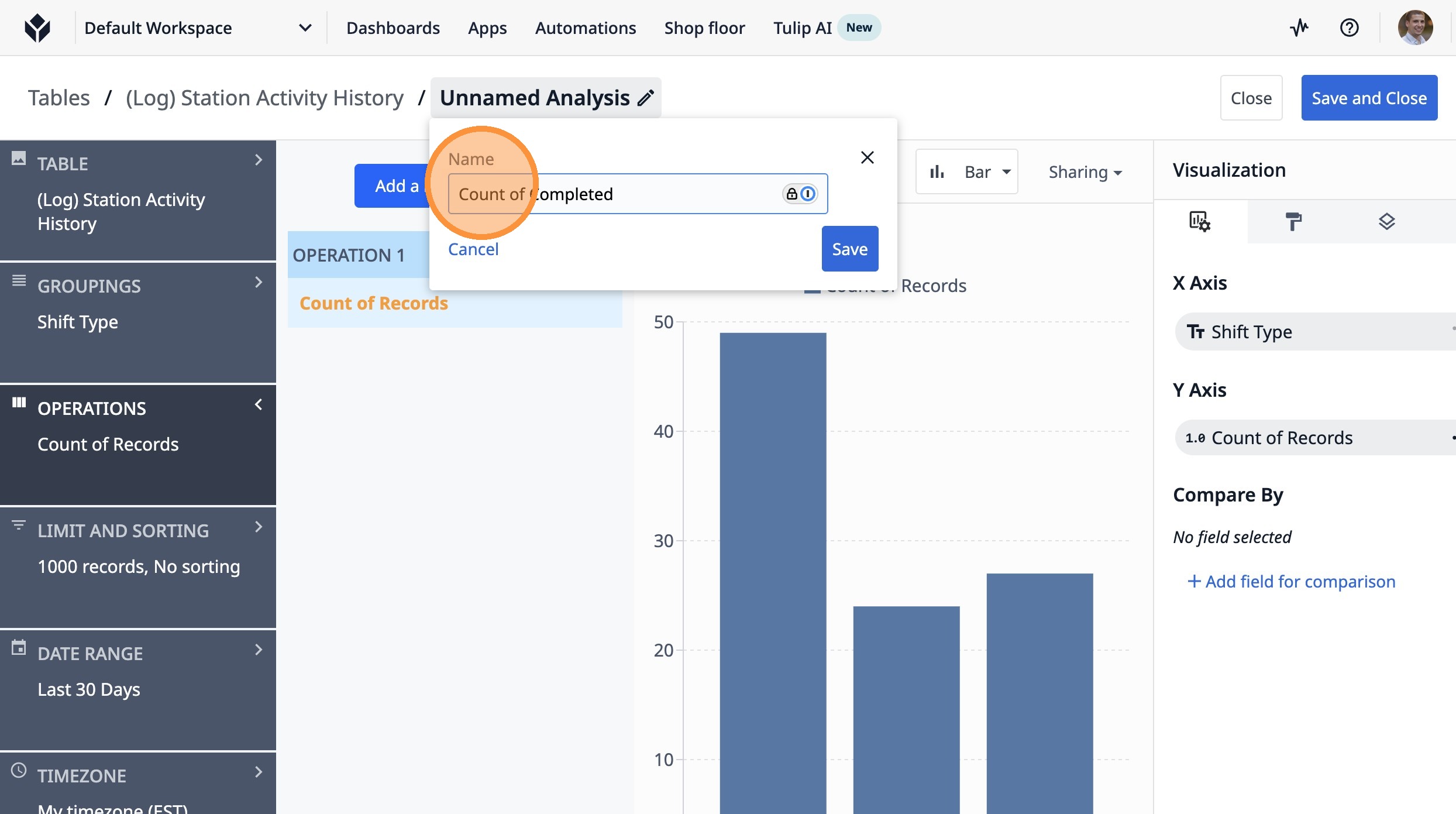
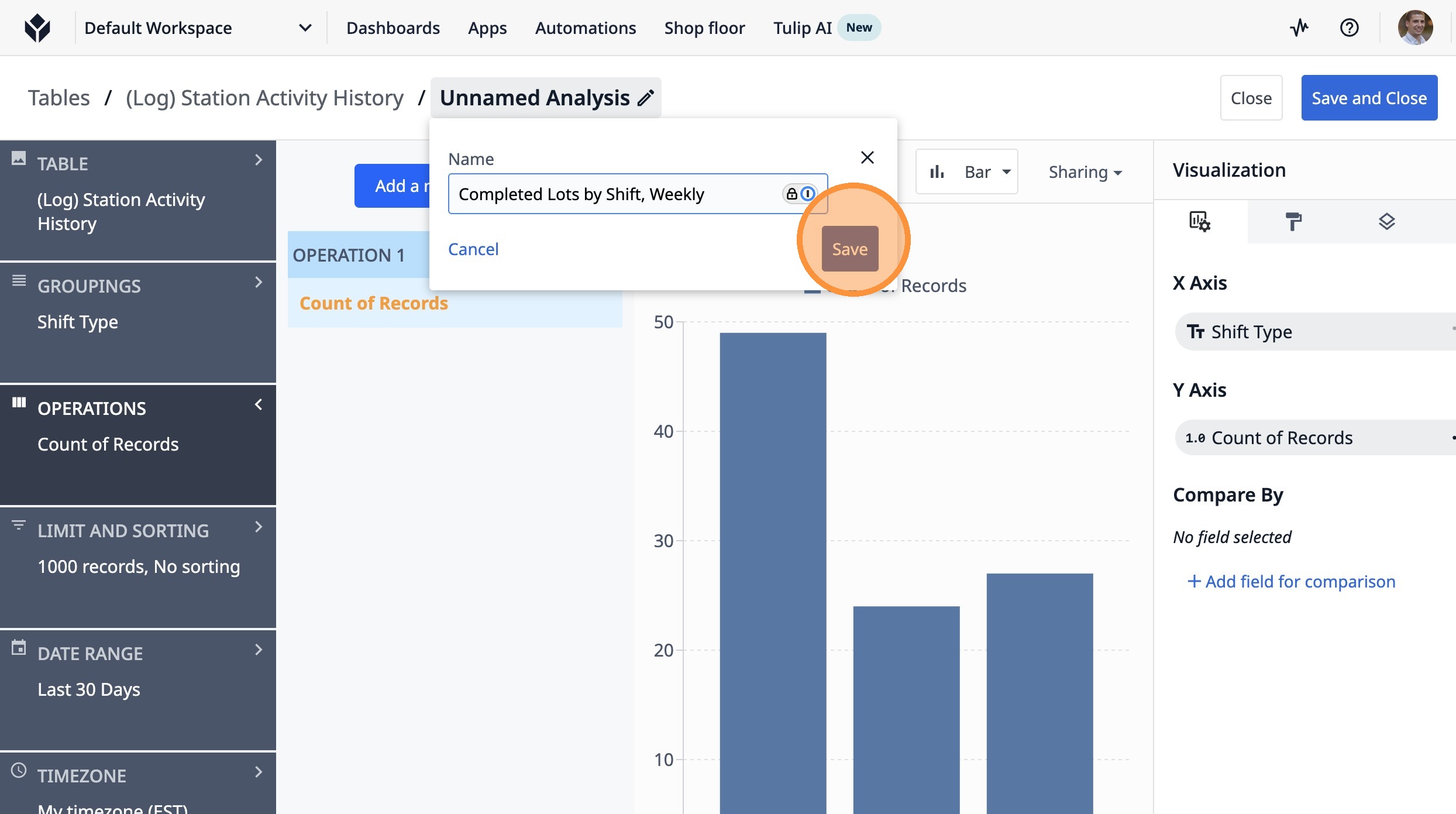
23. Type "Completed Lots by Shift, Weekly"
24. Click "Save"
25. Click "Last 30 Days"
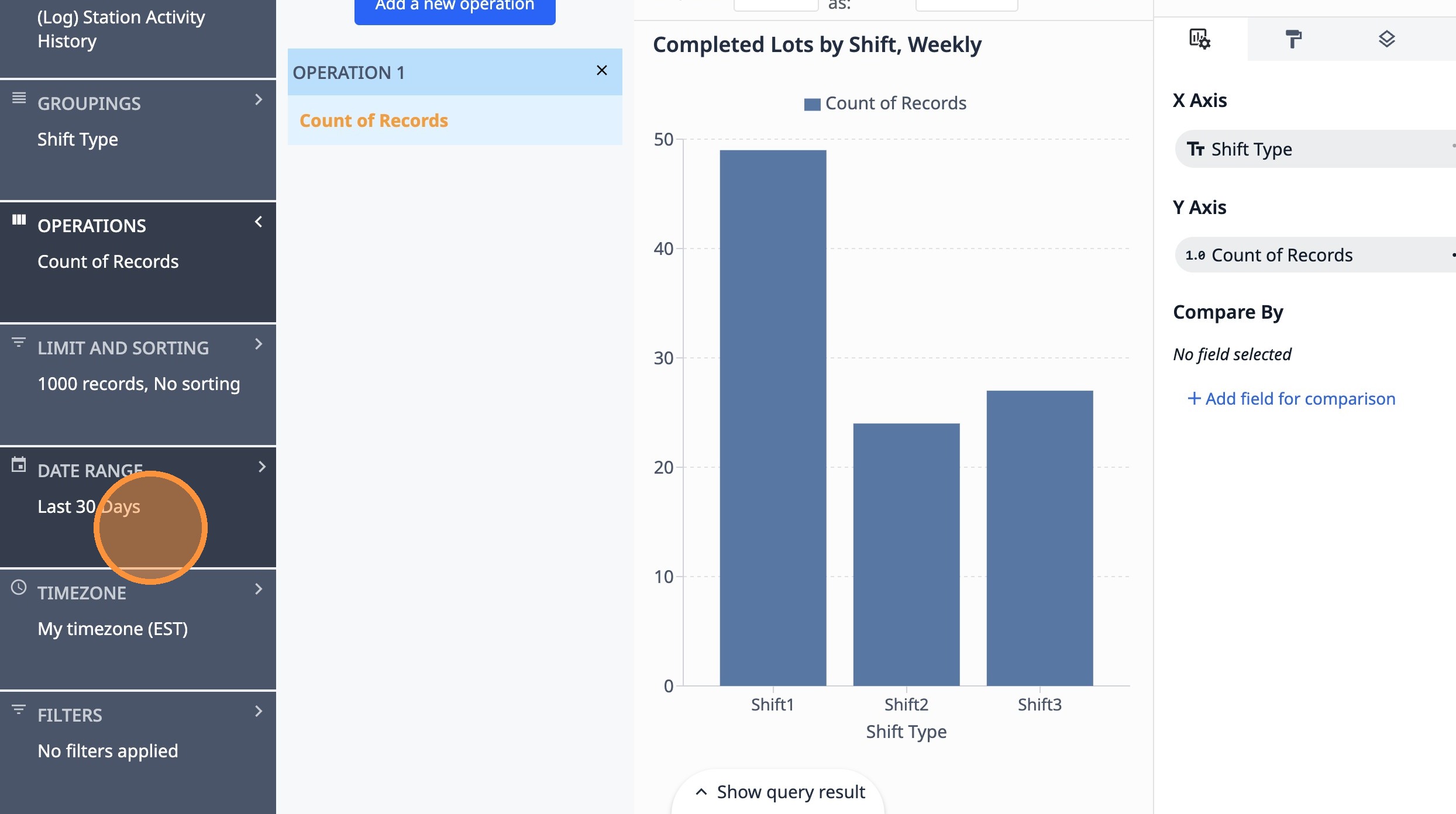
26. Select the "Last 7 Days" option.
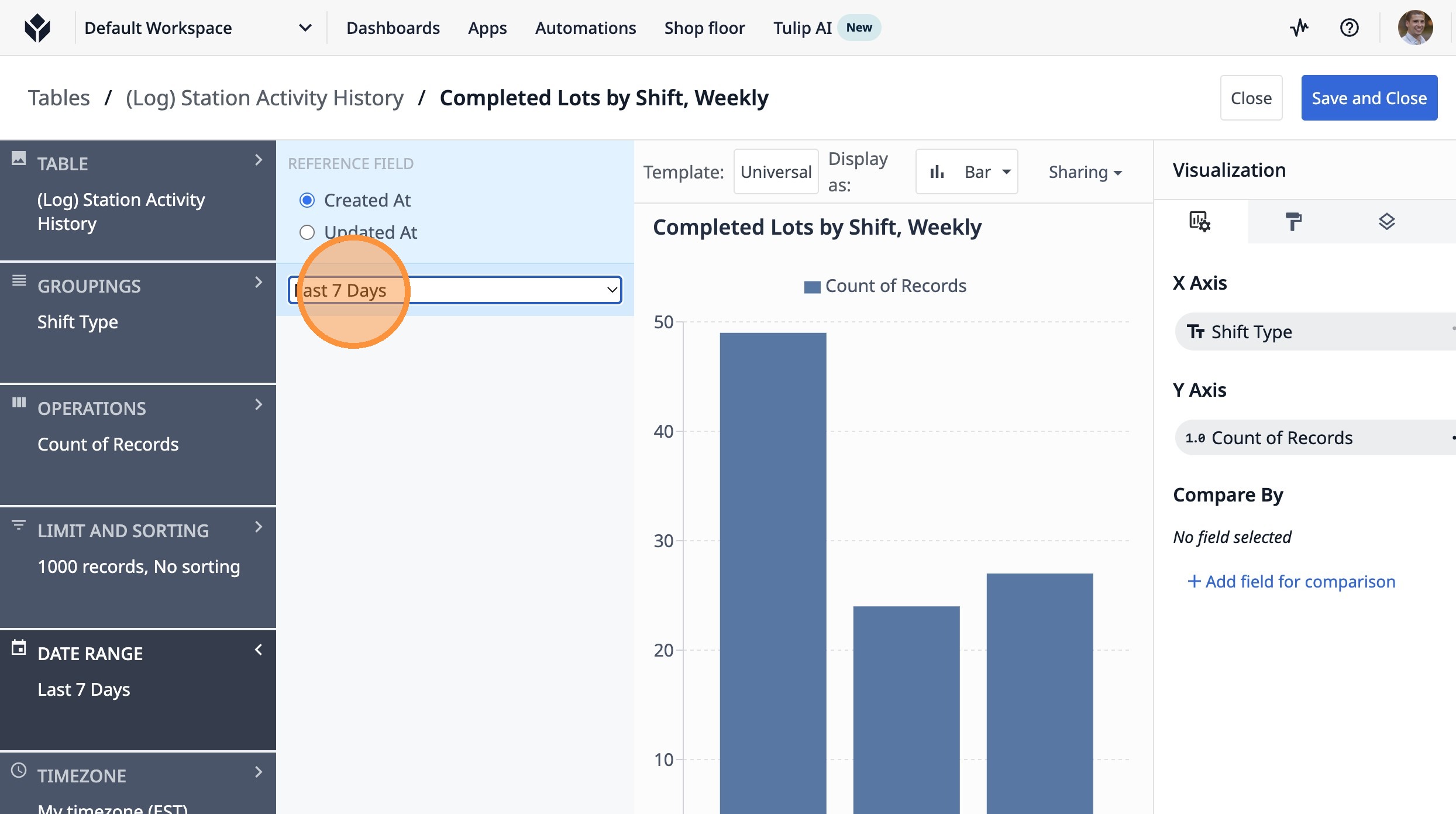
27. Click "Save and Close"