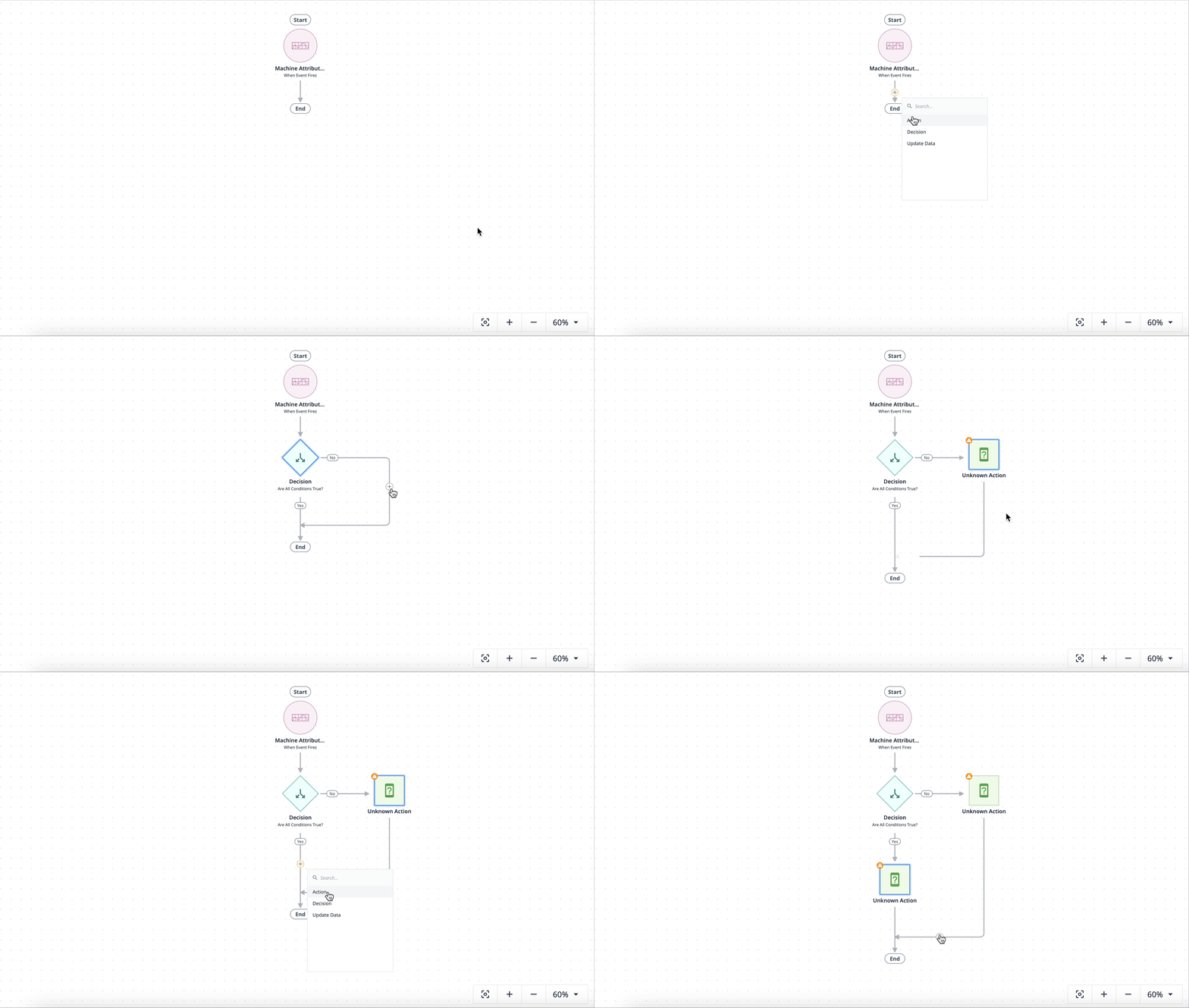
This feature is currently in Open beta and must be enabled in your account settings by an administrator. Once enabled, it is available to users with the necessary permissions to create, configure, or use AI Agents in your Tulip instance. If you do not see the AI Agents option, contact your Tulip administrator.
Overview
The Tulip AI Agent is a digital assistant designed to help users interact with and apply knowledge from the Tulip platform. By executing well-defined tasks, such as retrieving information, analyzing data, generating summaries, or guiding workflows. Each AI Agent delivers accurate, actionable results using only official Tulip content and connected data sources.
Scope
This article describes the function of AI Agents, explains their operational logic, outlines required technical knowledge, and presents foundational setup steps.
How AI Agents work
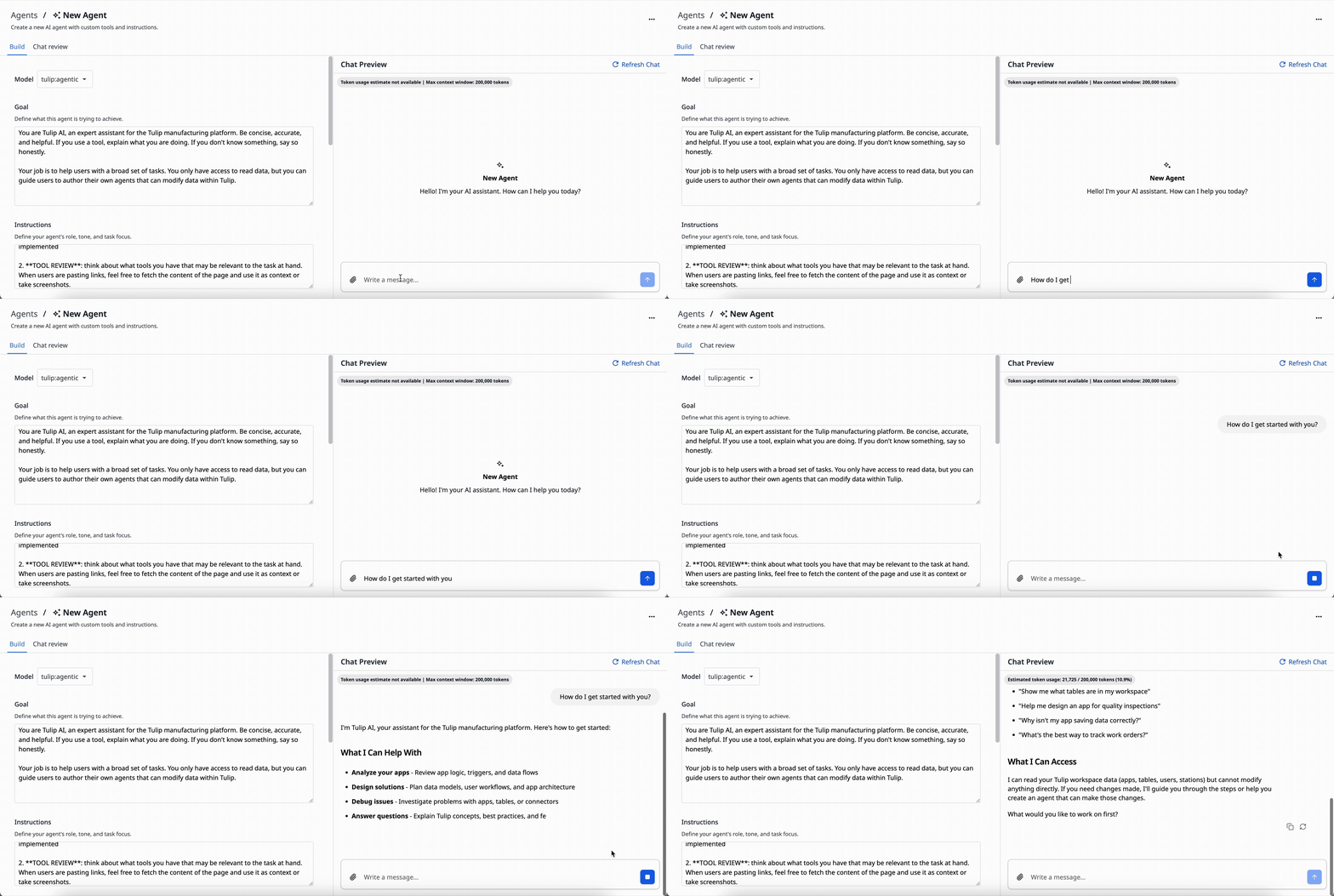
Tulip AI Agents work based on well-defined prompts, sets of instructions that determine the AI’s identity, responsibilities, and response format. Think of a prompt as the AI Agent’s job description. The more specific and structured the prompt, the more helpful and reliable the agent’s output will be.
AI Agents process only the data sources and workflows you connect in Tulip. For best results, ensure your Tables, Triggers, and Automations are set up before deploying an agent.
Once you connect your data sources, the AI Agent automatically analyzes, summarizes, and reports on your manufacturing data, following your requirements and constraints.
Prerequisites
Before setting up an AI Agent, you should be comfortable with:
- Tulip tables and data relationships
- Your facility's station names and production workflows
- OEE
- Cycle time
- Quality metrics
- Configuring automations and AI Actions
Components of an AI Agent
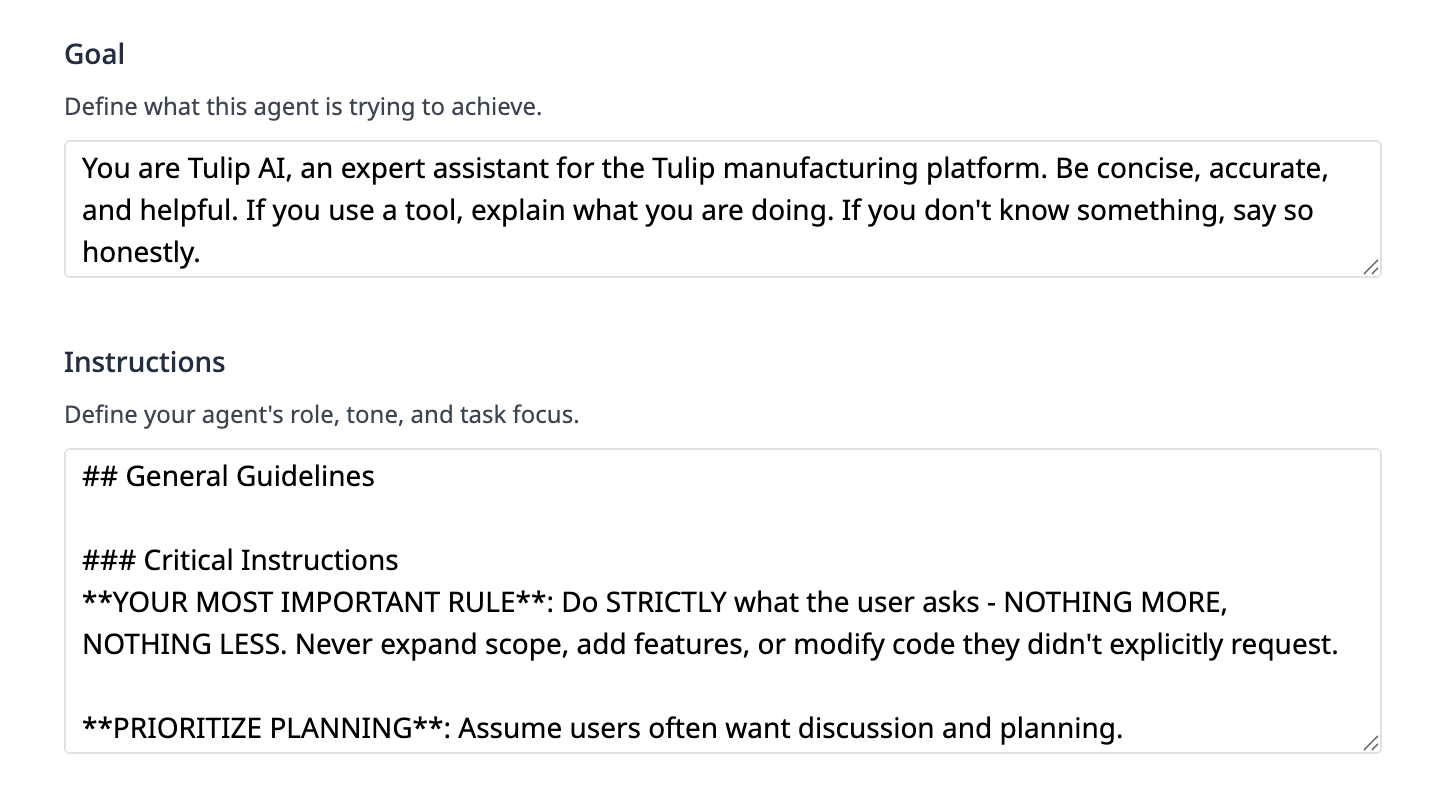
Each Tulip AI Agent is defined by two main configuration sections, along with a separate list of tools:
Prompt structure
A well-constructed prompt is essential for an effective AI Agent. Prompts typically include these components:
1. Goal
Clearly defines the purpose and intended responsibilities of the AI Agent.
This is a concise statement that sets expectations for what the agent should do and the value it will provide.
Example
Summarize the main production line bottlenecks and suggest actions for tonight’s shift leader.
2. Instructions
Detailed guidance for the agent on how to perform its work.
Instructions may include any or all of the following (as needed):
Task: What action the agent should perform
Inputs: What data or context the agent should use
Outputs: Expected format and content of the agent’s responses
Constraints: Any special rules or boundaries
Capabilities and Reminders: Specific abilities or operational notes for the agent.
Example
Task: Generate a shift summary highlighting major issues.
Inputs: Latest Tulip Table data on production and downtime.
Outputs: Summary (max 200 words), list of issues with recommended actions.
Constraints: Only include issues affecting more than 10% of production.
Capabilities: Can access real-time machine status.
The Instructions section can be as structured or detailed as needed for your specific agent.
Tips for effective AI prompts
- Be Specific: Replace vague instructions with actionable, data-driven requests
- Use Examples: Show the AI what good output looks like
- Set Thresholds: Define what’s considered “significant” or “critical” to your operation
- Test Iteratively: Continually refine your prompt based on the quality of actual outputs
Each AI Agent performs best with a clearly defined prompt and access to all relevant, connected data sources.
Tools the agents use
AI Agents in Tulip use a set of tools to access and process information across different use cases. These tools enable agents to interact effectively with platform resources and support a range of operational needs.
- App tools - Enable agents to interact with apps, including retrieving app and step details, managing versions, and working with app assets (e.g., triggers, variables, widgets, connectors, and record placeholders).
- Data tools - Enable access to data in tables to support querying, creating, updating, or explaining structured data relevant to operations.
- Connectors - Allow agents to assist with integrating Tulip to external systems, APIs, or data sources, enabling automation and seamless information exchange.
- Educational tools - Support training and onboarding through Knowledge Base articles, tutorials, and other learning resources available in the Tulip ecosystem.
- User management tools - Facilitate queries related to user accounts, roles, permissions, and user-related configurations.
- Shop floor tools - Support the management, configuration, and monitoring of shop floor stations, allowing agents to assist with station-specific workflows and diagnostics.
- Agent tools - Allow agents to interact with other AI Agents, such as listing available agents.
- Analytics tools - Enable agents to run data analysis on Tables, supporting data-driven insights and reporting.
Model
Each agent is configured with a model that determines how it reasons and responds.
Tulip-managed model aliases are dynamic references that automatically resolve to the best available model at any given time. This means the underlying model will be updated as needed by Tulip without requiring any changes to your agent configuration.
The model currently in use is always visible in the chat window, so you know exactly what is running at any given moment.
Conversation starter and welcome message
AI Agents support customizable conversation starters and a personalized welcome message.
Conversation starter
You can define a set of suggested messages to appear at the beginning of a chat session with the agent. These suggestions help users understand what kind of questions or tasks the agent can assist with.
Conversation starters can be edited or expanded at any time.

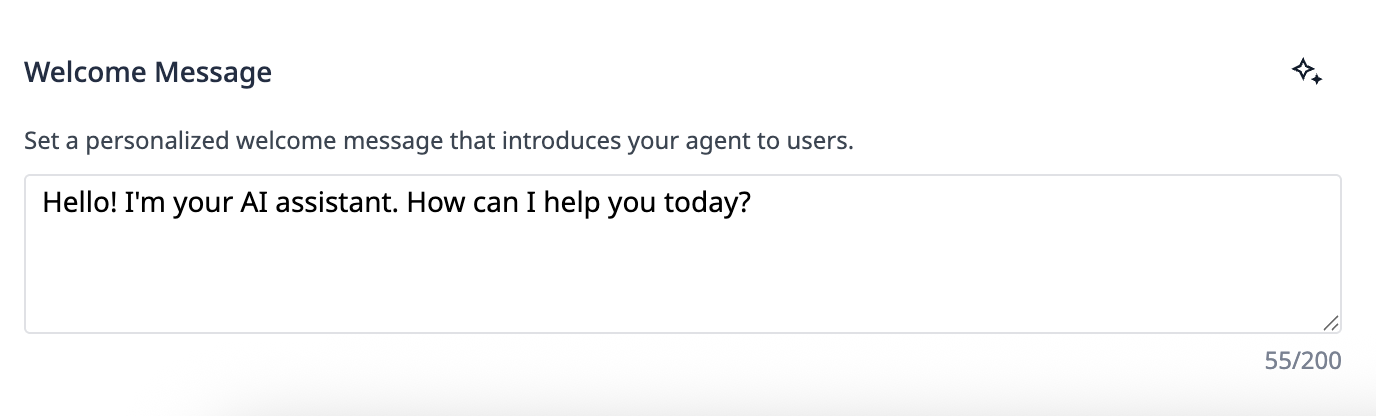
Welcome message
Each agent can display a custom welcome message that introduces itself to users in the chat interface. You can personalize this text to make the agent friendlier or to clarify its main purpose.
Both options make it easier for end users to get started and know what to expect from the agent.
Use cases
Each AI Agent article includes detailed use cases to help you:
- Understand practical applications of the agent
- Learn the value the agent delivers to different roles
- Identify the primary user personas who benefit most
- Discover what works well and what to avoid when using the agent
For specific examples and tailored guidance, refer to the articles in the AI Agents folder.
Evals
Systematically evaluating your AI Agent helps ensure it is reliable, produces accurate results, and meets the expectations defined in its prompt.
Use an Evaluation (Evals) table to compare the agent’s expected vs. actual responses across realistic scenarios, such as retrieving production metrics, summarizing downtime, or interpreting Tulip Table data. Tracking these outcomes over time makes it easier to identify gaps, refine your prompt, and validate improvements before deploying the agent to operators or supervisors.
A simple Evals workflow includes:
- Define test prompts that reflect real user questions or tasks
- Set the expected result based on your data and operational logic
- Run the agent under consistent conditions
- Document actual results and mark pass/fail
- Add notes for troubleshooting and future refinement
Explore the full AI Agent evaluations guide.
What happens next?
Once your AI Agent is configured with a clear prompt and connected to the necessary data sources, it will begin operating automatically or on-demand, depending on your setup.
To ensure you're getting the most value from your agent:
- Confirm all relevant tables, triggers, and automations are active and accessible
- Monitor the AI Agent's responses and refine prompts as needed to improve accuracy
- Track how the agent's insights are integrated into your workflows or reports
Get involved and share feedback
Tulip AI Agents are continuously evolving, and your feedback plays an important role.
Join the discussion in the Tulip Community.
- Ask questions, request features, and troubleshoot with peers
- Share your use cases and learn from others in the community
- Stay updated on new AI tools, prompt templates, and best practices
Further reading
- AI Prompt Action - Explore advanced prompt techniques and best practices
- Automations - Discover how to streamline workflows with powerful automation tools.
- Connectors - Learn to integrate and connect various platforms effortlessly