
Learn how to set up triggers that integrate devices on the production floor.
Device Triggers are triggers that fire when an event happens in a sensor on the production floor that is connected to Tulip.
With triggers, you can add external devices from Tulip’s device list to apps. Additional conditions can be added to the trigger based on the data collected from the device.
Add a device trigger
In general, Tulip recognizes three types of device events that trigger an action:
- A simple device signal (e.g. barcode scanner output)
- A GPIO signal (e.g. pin changes)
- An Analog to Digital (ADC) event (e.g. change in voltage)
Device output can be stored in Variables, initiate a specific action or do both.
A device output might be a single value (e.g. a number) or multiple values (e.g several analog outputs). When you create logical conditions with device outputs, use the variable data and not the variable name.
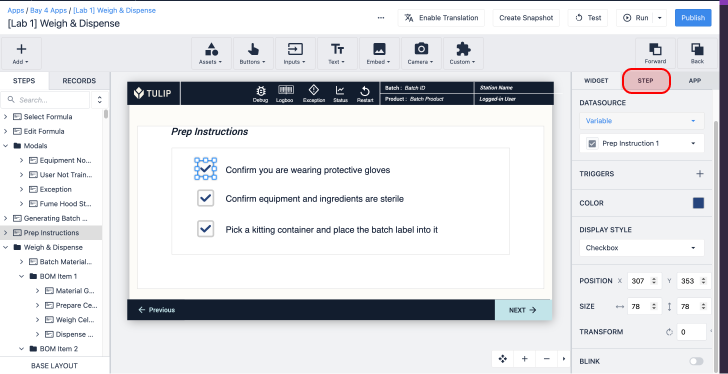
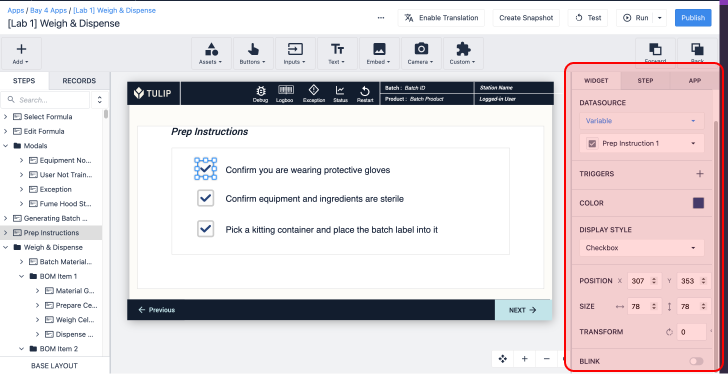
Access device triggers in the Step Tab of the Side Pane. Click Add next to Machines and Devices.

Example
Below is an example device trigger:

WHEN
- "device" "barcode scanner" outputs at "this station"
THEN
- "Data Manipulation" "Store" "Device Output" "data" location: "new_variable"
List of all device triggers
Here is a list of all device triggers that are available by default in Tulip. These are available within the When logic in the trigger editor:
- Analog Voltage Input
- Atlas Copco MTF 6000
- Barcode Scanner
- Barcode Scanner (DataMan TCP)
- Barcode Scanner (Optical)
- Bobe Box USB
- Bosch RFID
- Bosch Rexroth Nexo
- Caliper or Depth Gauge
- Cognex In-Sight
- Cognex Insight 2000
- Fluke 28X Multimeter
- Footpedal
- GPIO
- Generic Serial Device
- Ingersoll Rand QX
- Insize Multichannel Digital Caliper
- Kolver
- Mettler Toledo SevenExcellence
- Omega HH806
- Pam CF
- RFID Reader
- Scale (Brecknell PS25)
- Scale (Dymo M10 USB)
- Scale (Dymo USB scale)
- Scale (Ohaus)
- Serial (Player Only)
- Stealth Switch
- Telnet
- Temperature / Humidity Sensor (Lascar)
- Temperature / Humidity Sensor (Phidgets)
- Temperature Gun
- Torque Multi-Tool Open Protocol
- Torque Tool Open Protocol
- Zebra Network Printer
- analyzer-Q2
- e-Screw
- kolver2AE job information
- serial barcode scanner
Additional built-in drivers may appear depending on your instance's configuration settings.
Further reading
- How to Add an Ohaus Scale and Store Output in a Variable
- Using the Cognex DataMan TCP Driver
- Using the Torque Open Protocol Driver
Did you find what you were looking for?
You can also head to community.tulip.co to post your question or see if others have solved a similar topic!