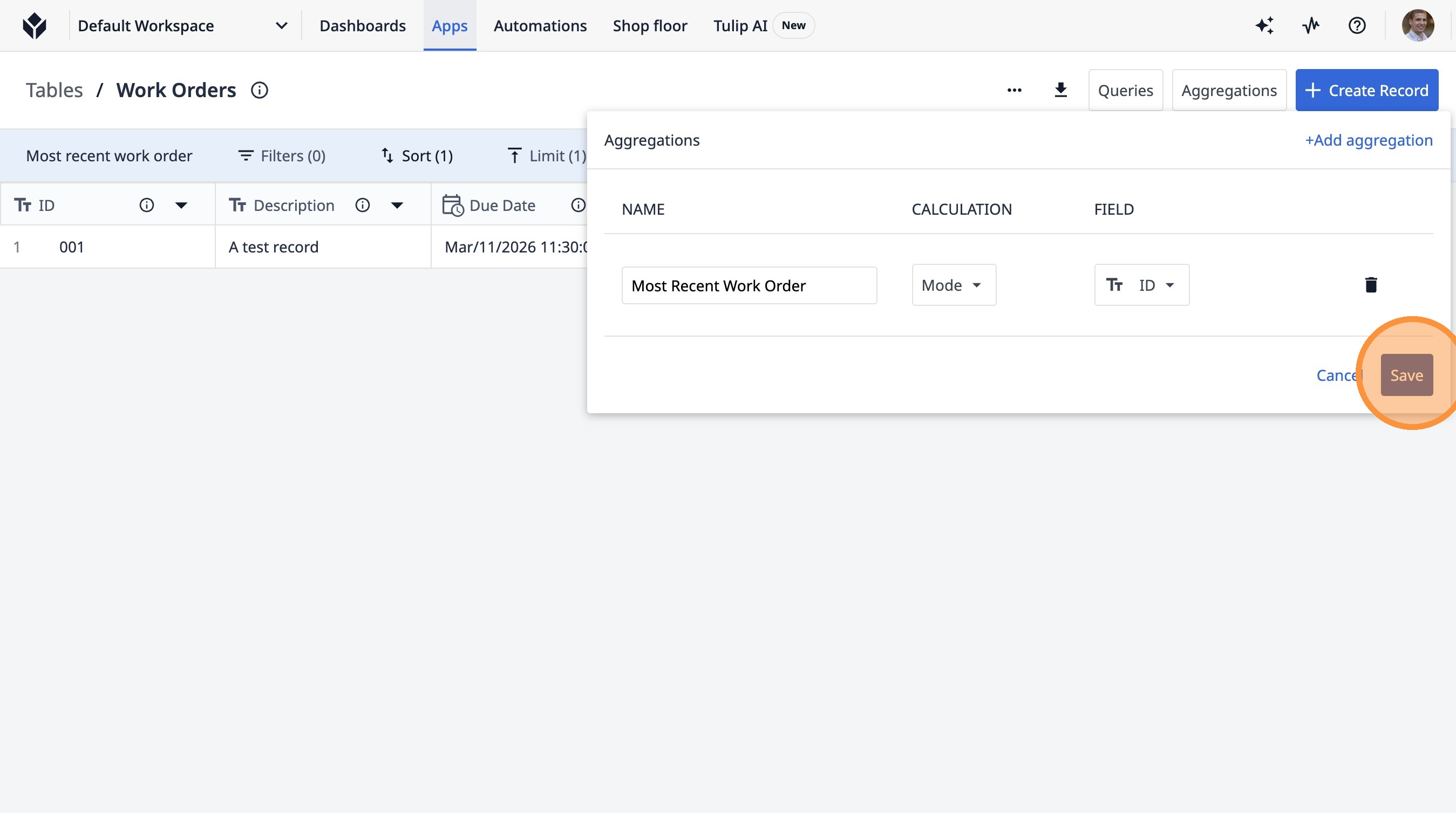
Learn how to create a new query to find the most recent work order and add an aggregation to display this information. This guide will walk you through setting up sorting and filtering to get the exact data you need.
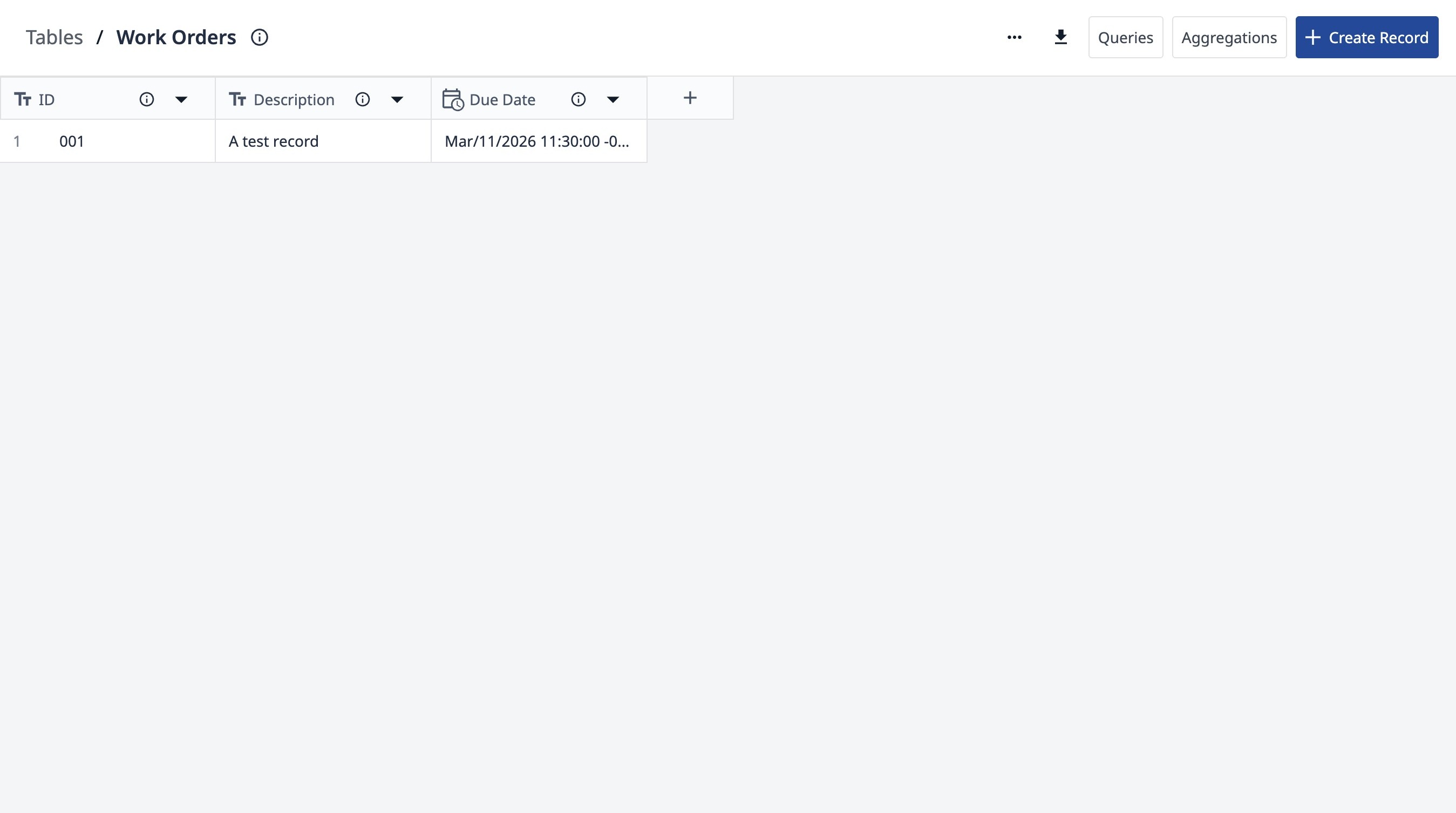
1. Navigate to your work orders table.
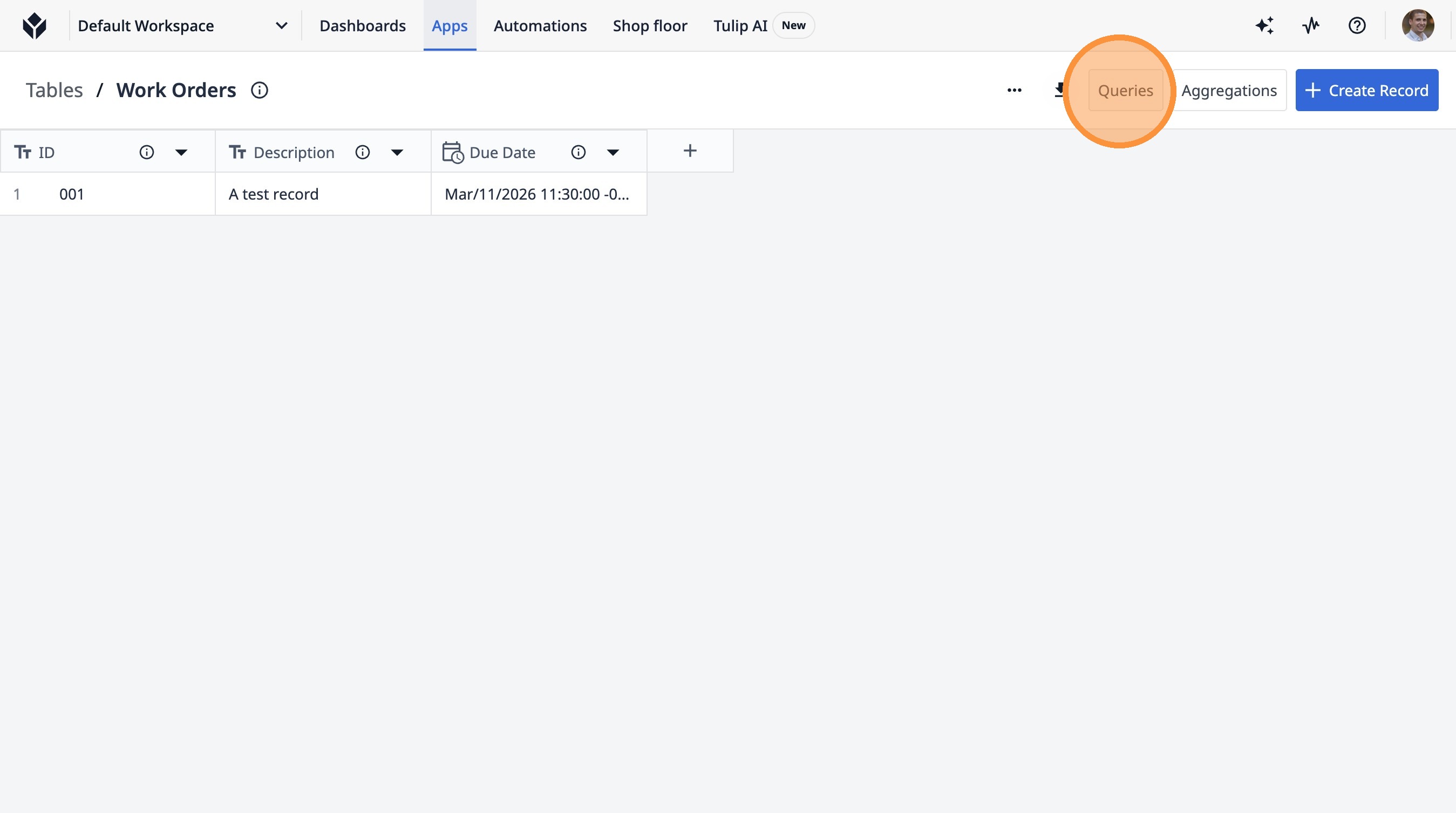
2. Click "Queries"
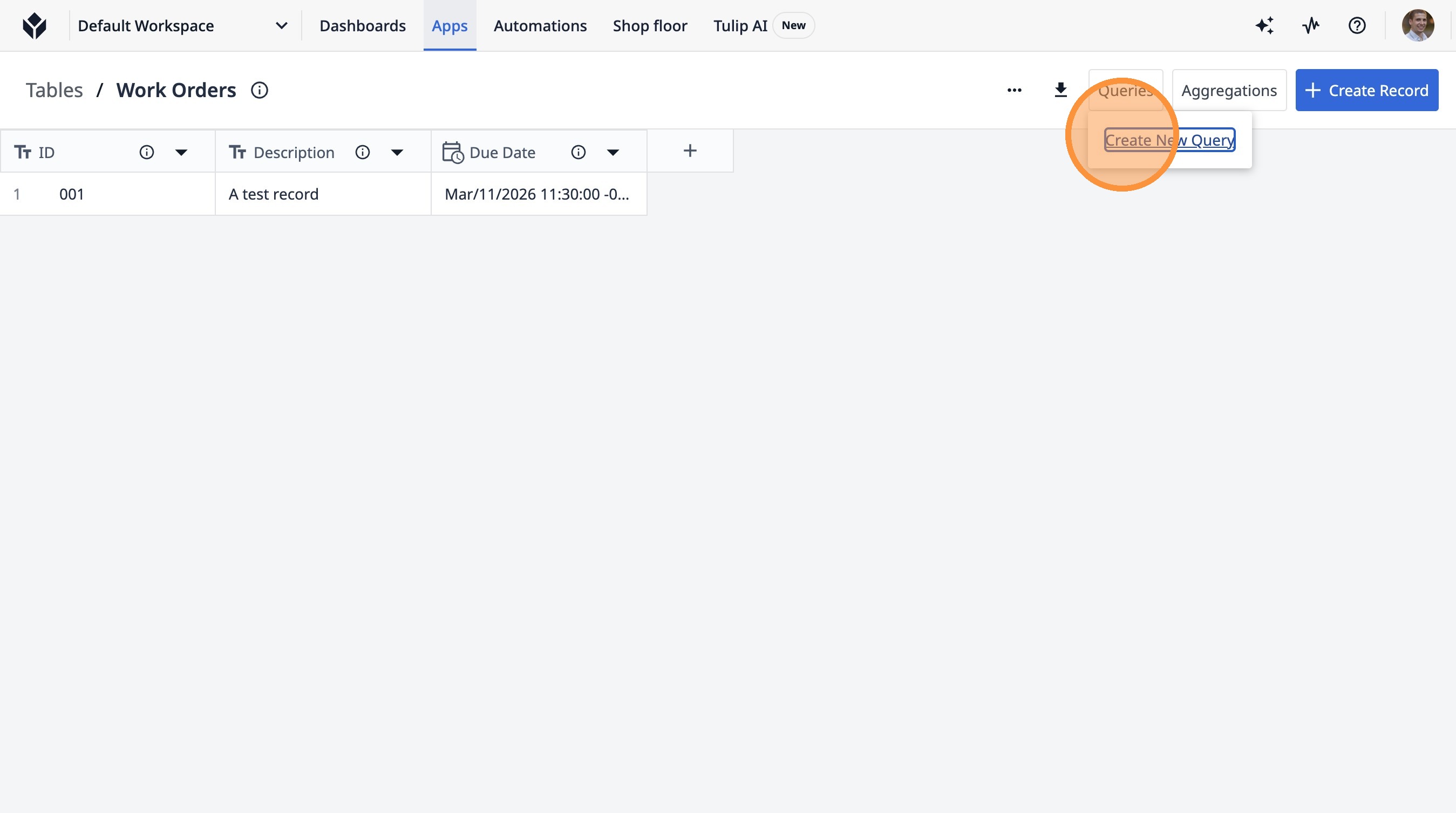
3. Click "Create New Query"
4. Click the "Query Name" field.
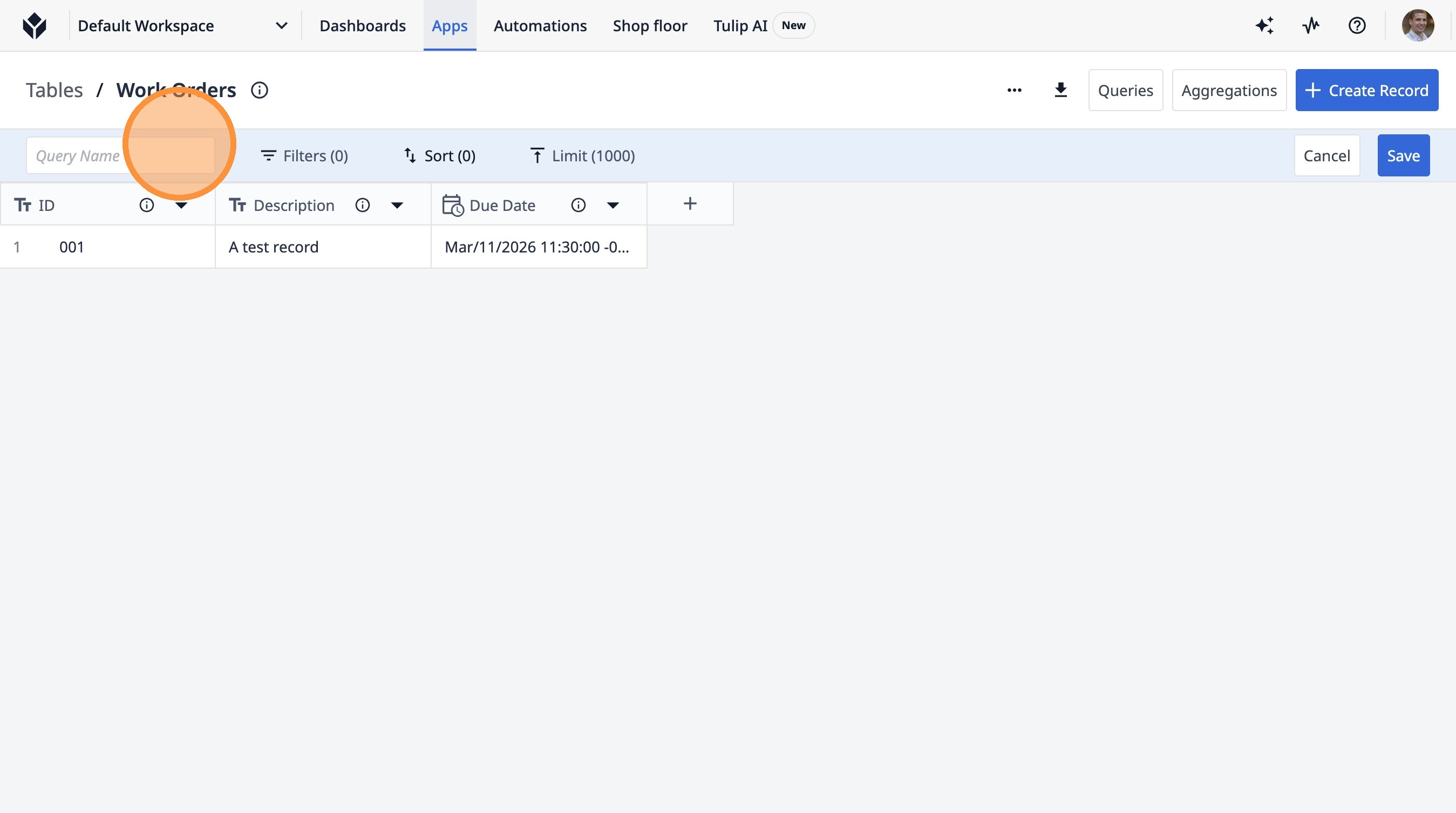
5. Type "Most recent work order"
6. Click "Sort (0)"
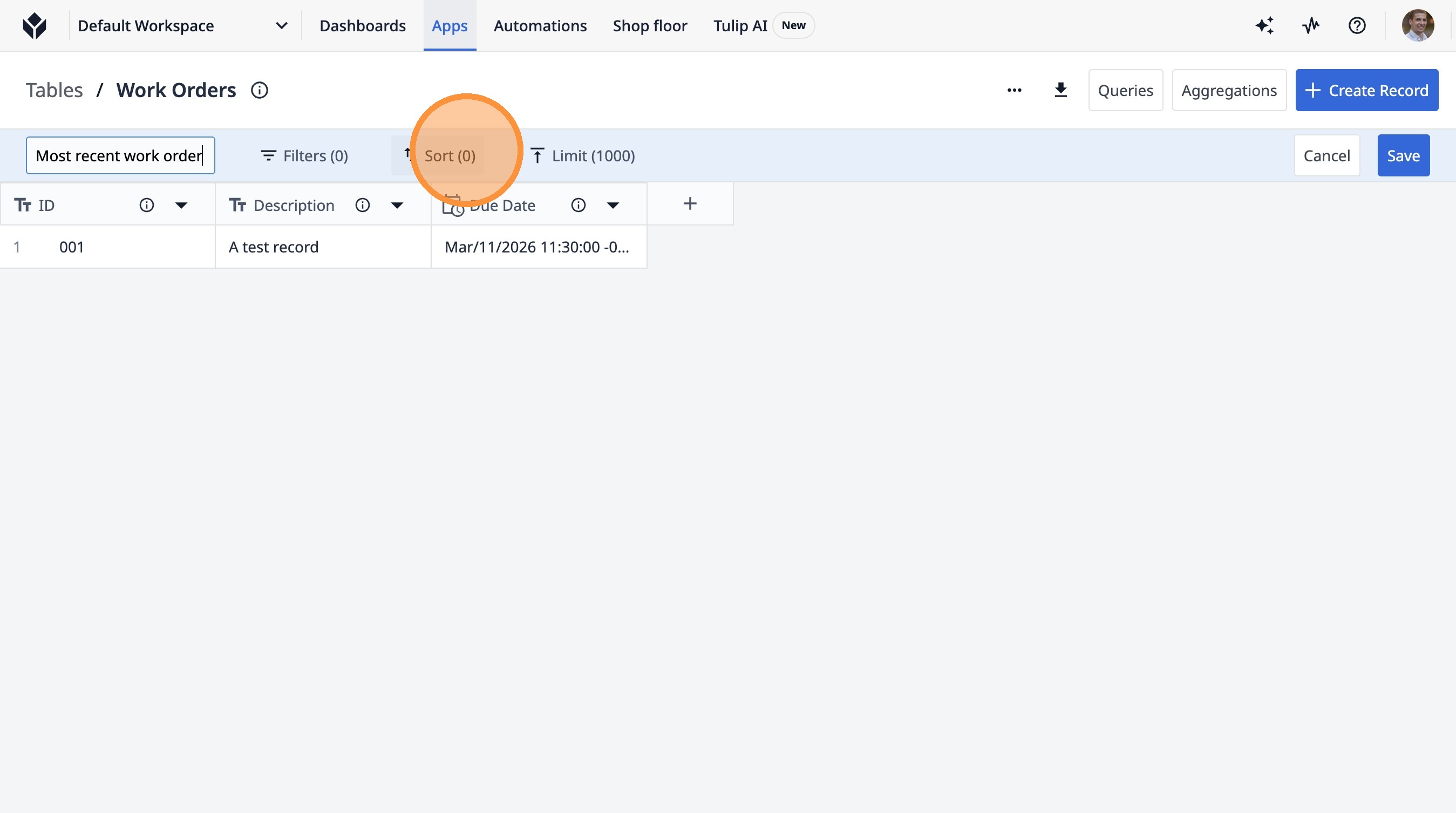
7. Click "+ Add Sorting Method"
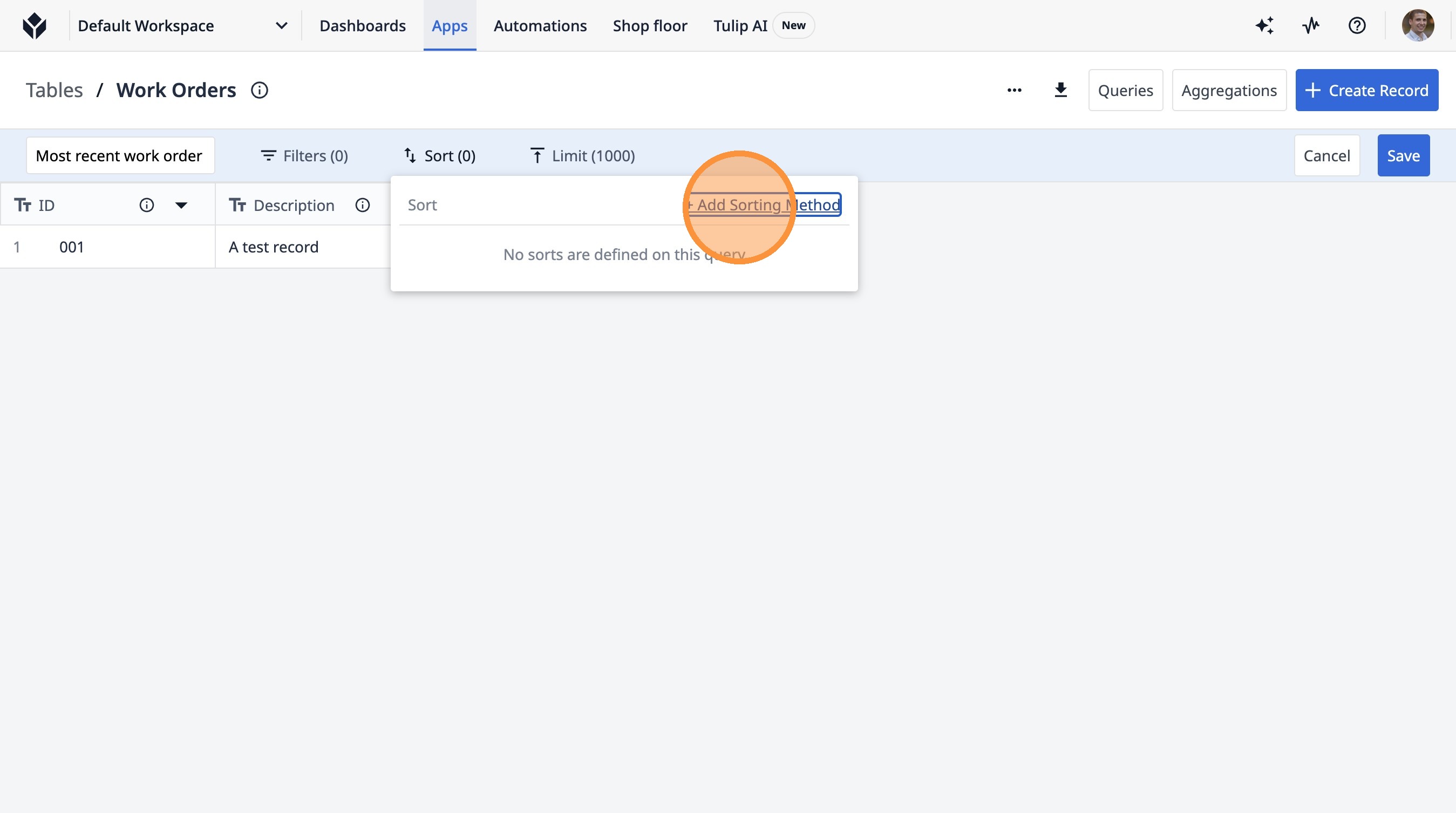
8. Click "ID"
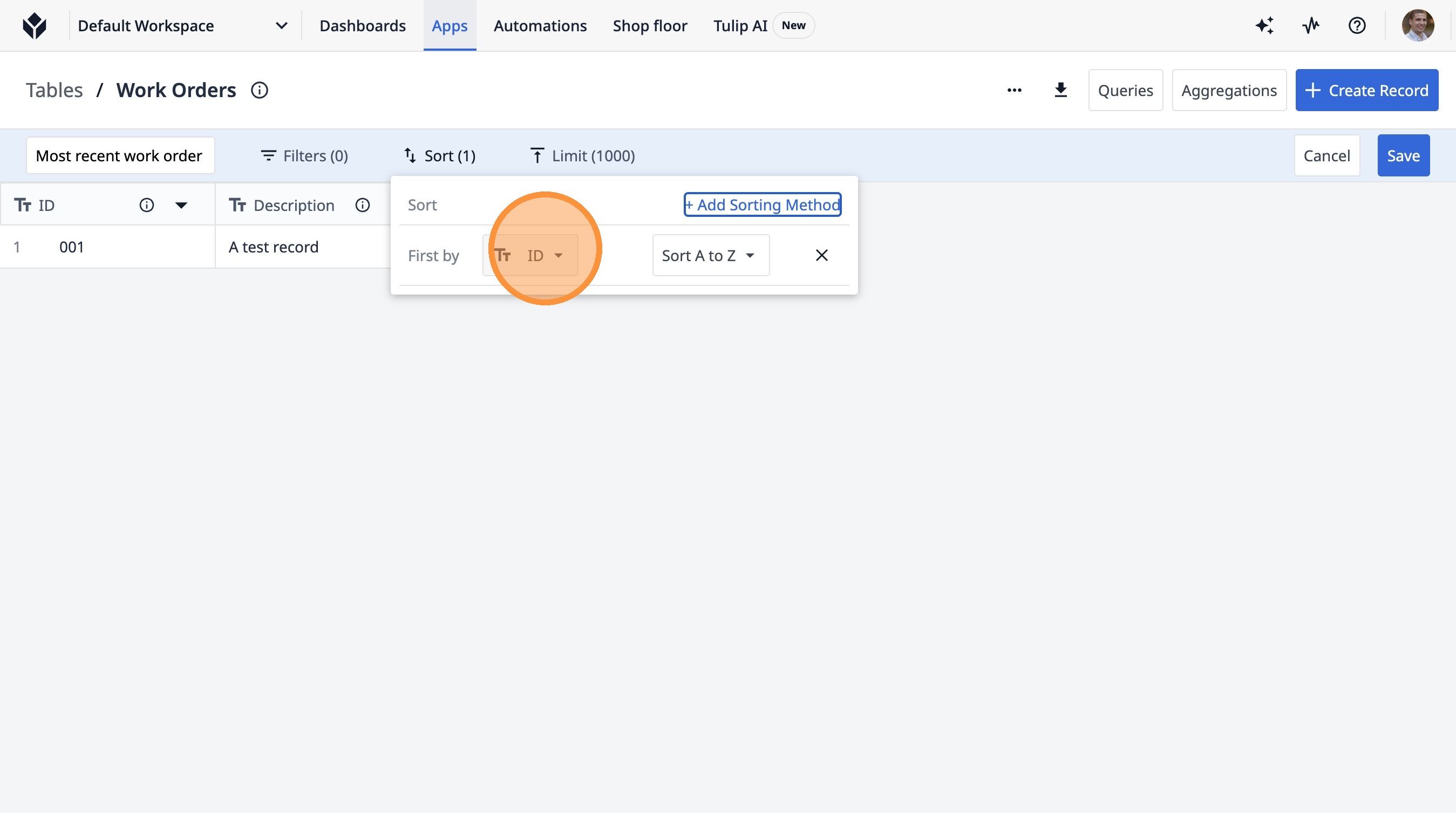
9. Click "Due Date"
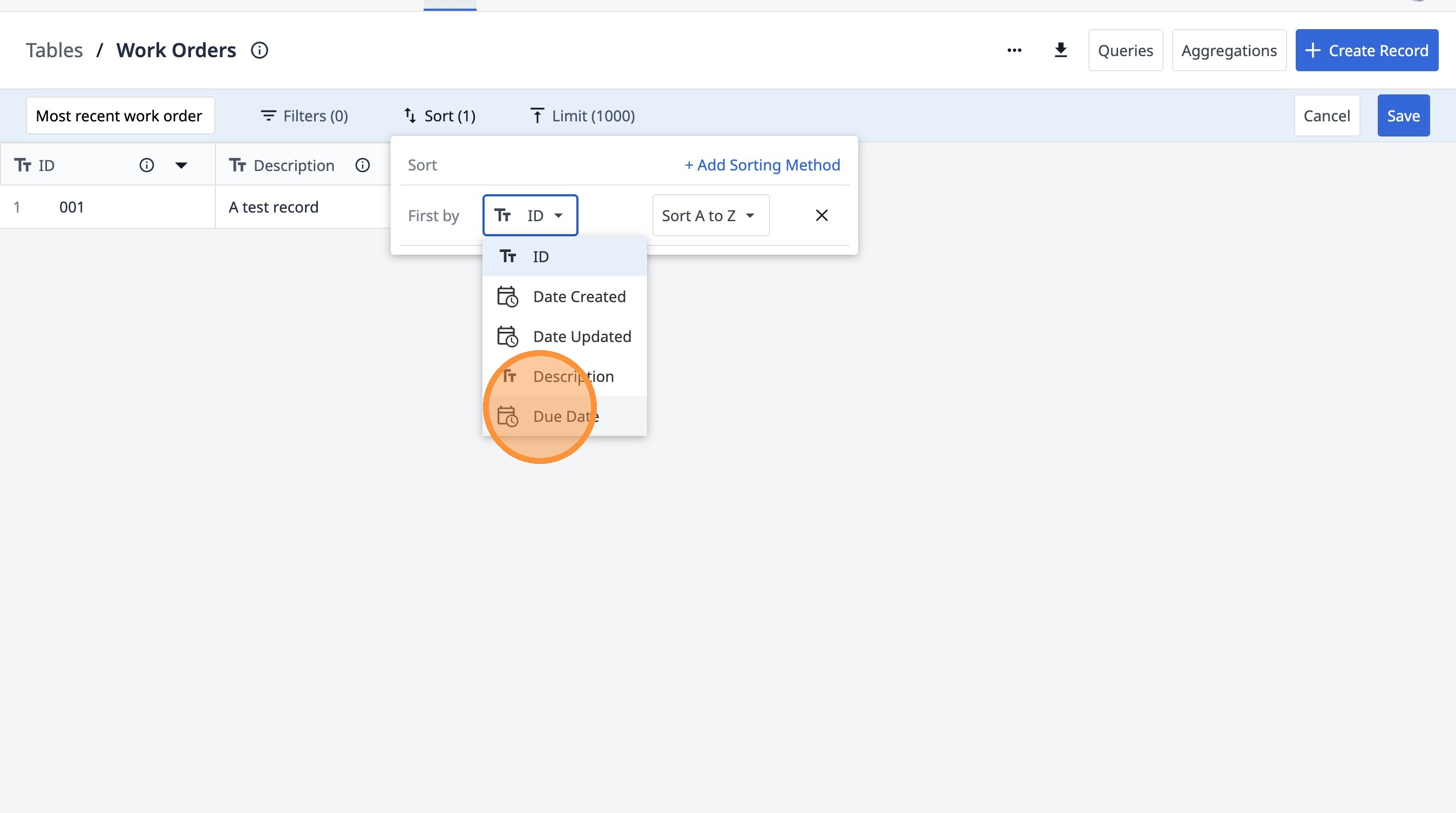
10. Click "Sort oldest to newest"
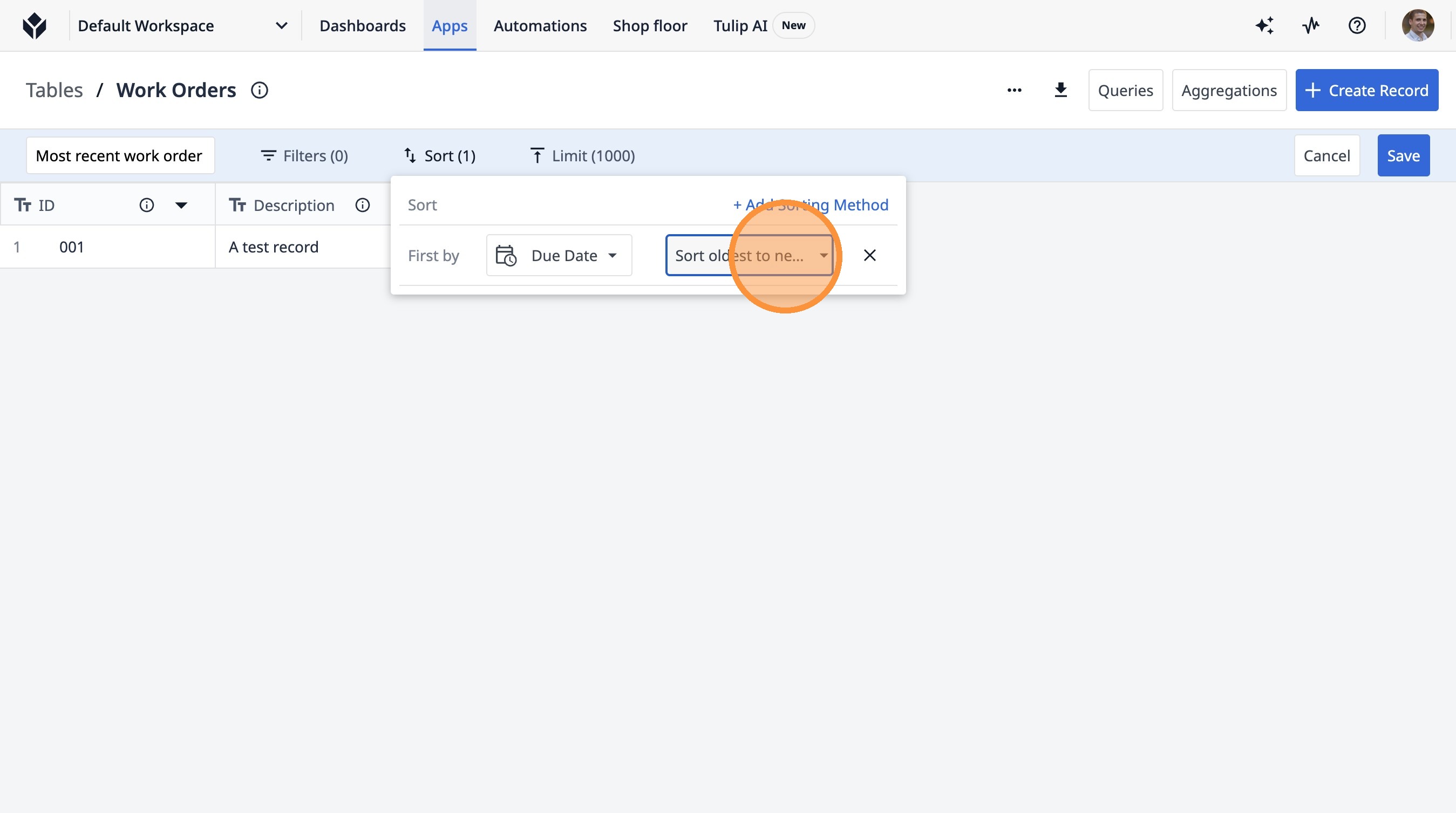
11. Click "Sort newest to oldest"
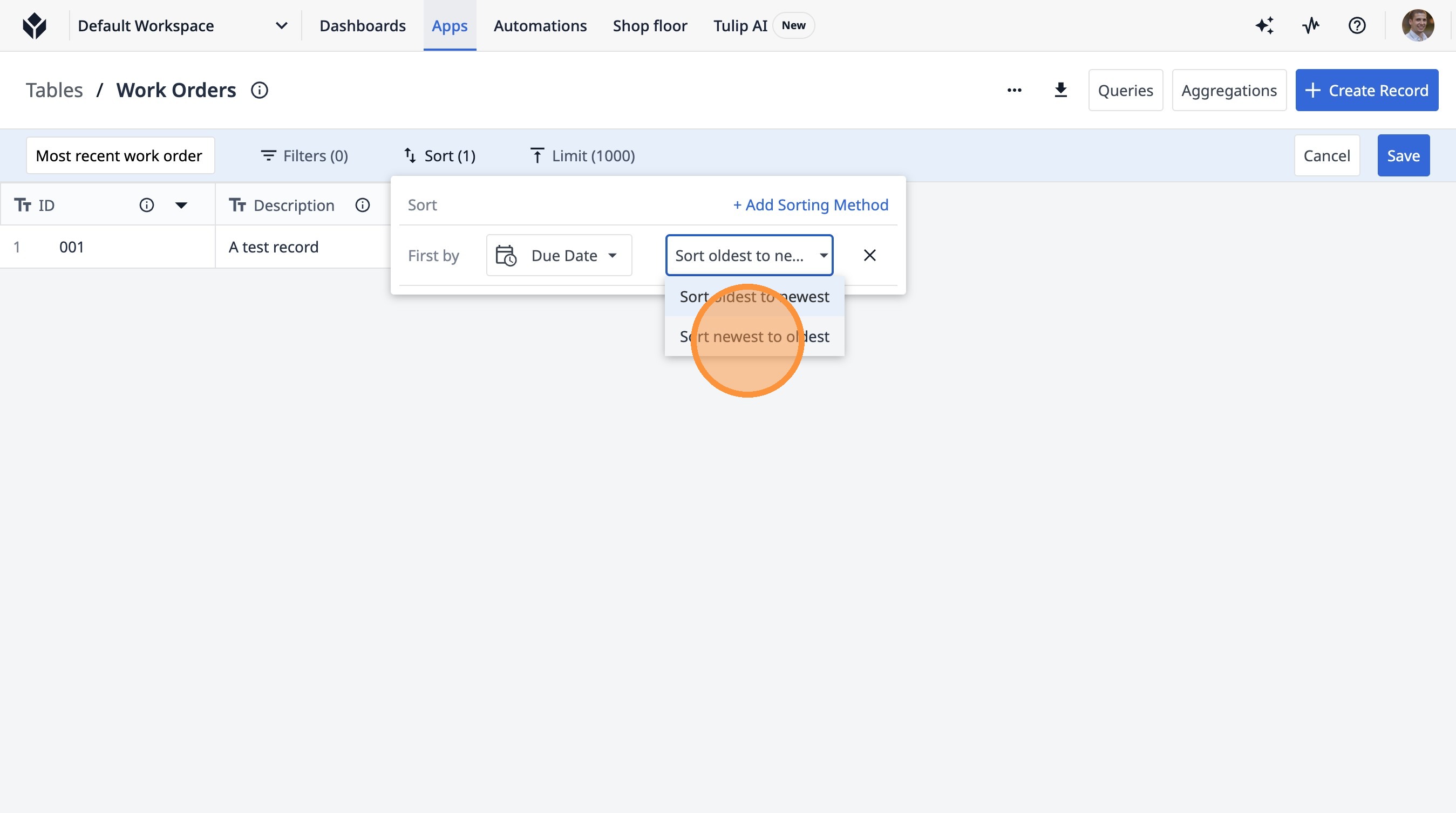
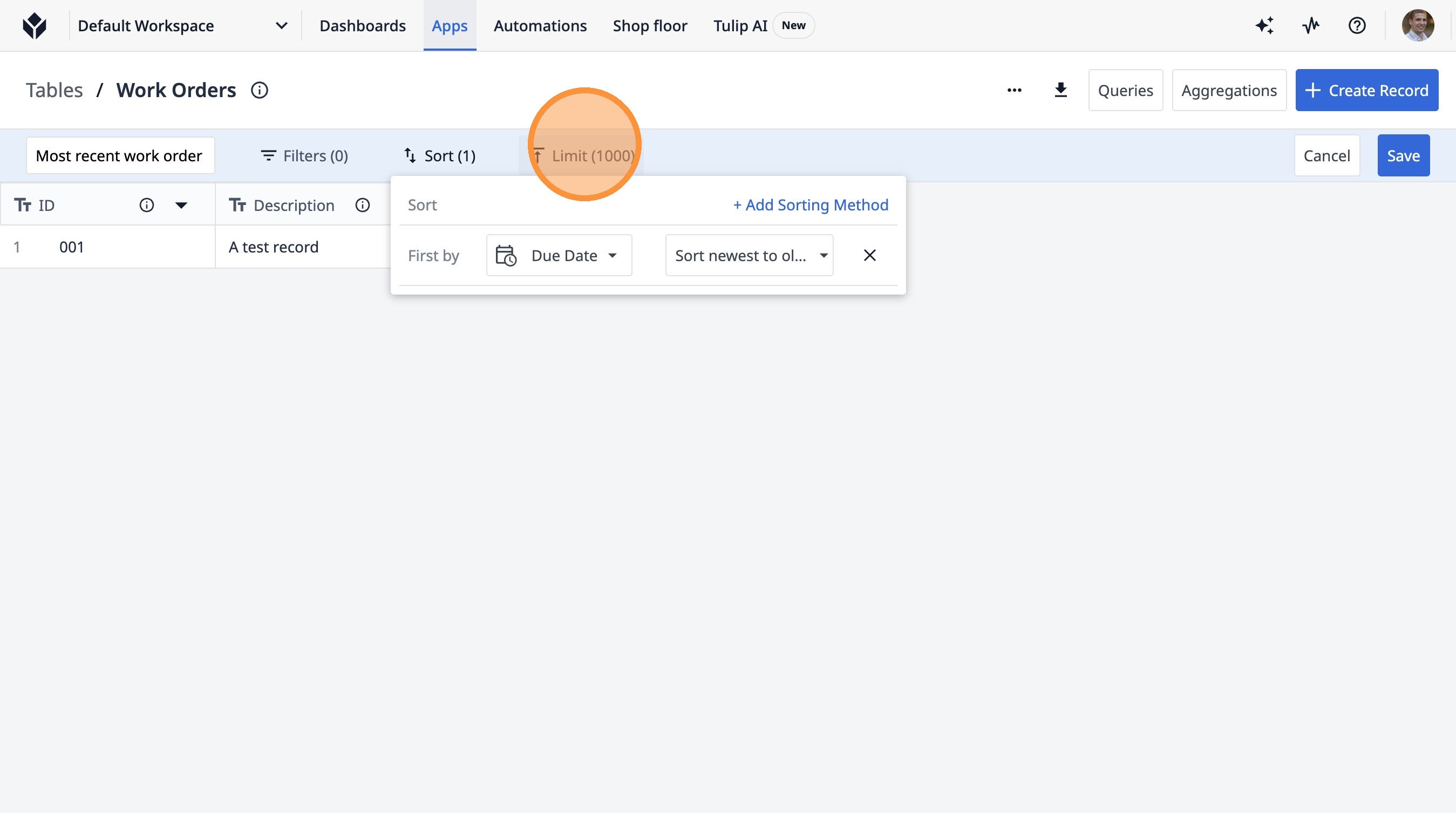
12. Click "Sort+ Add Sorting Method"
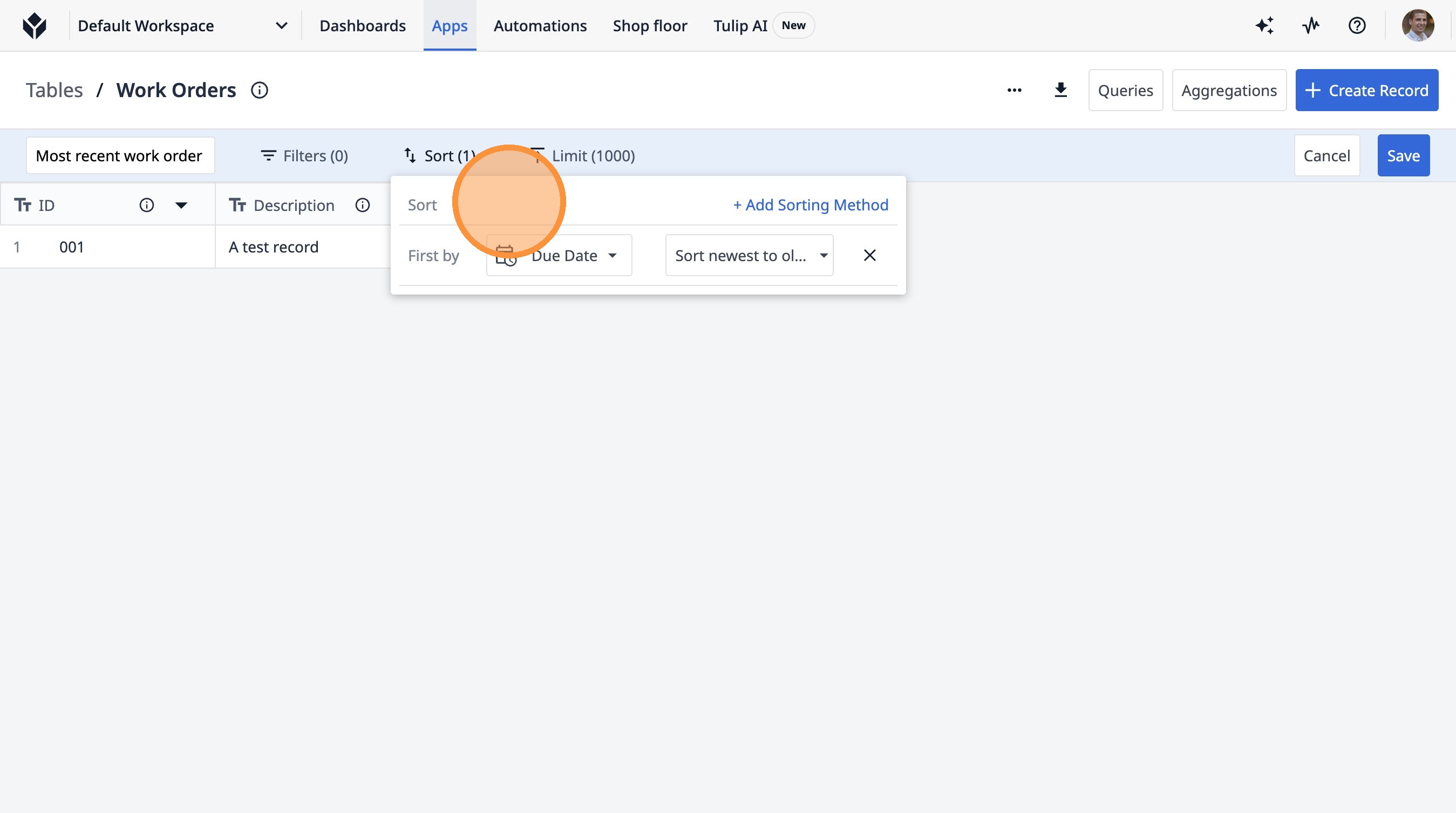
13. Click "Limit (1000)"
14. Click this text field.
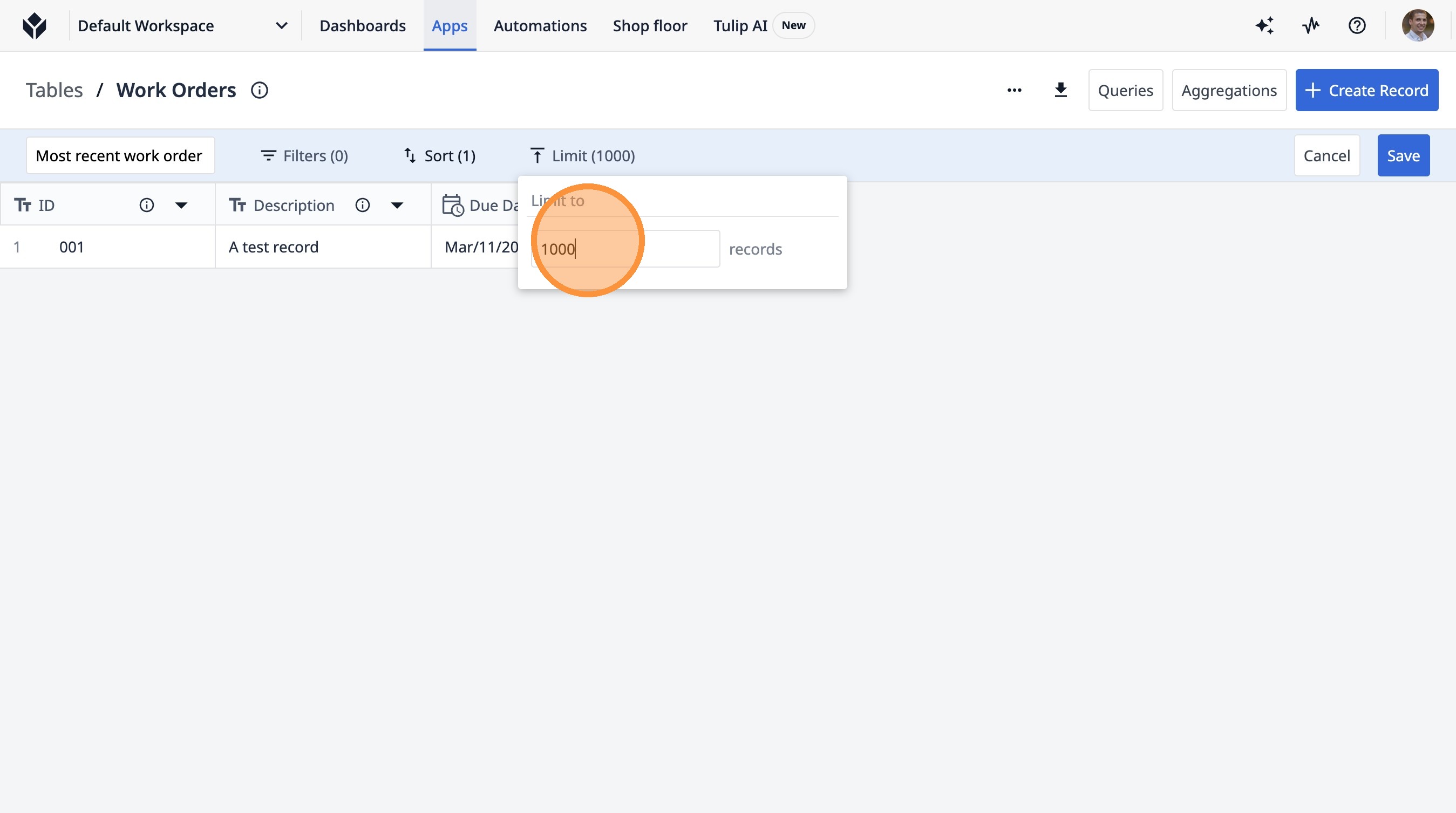
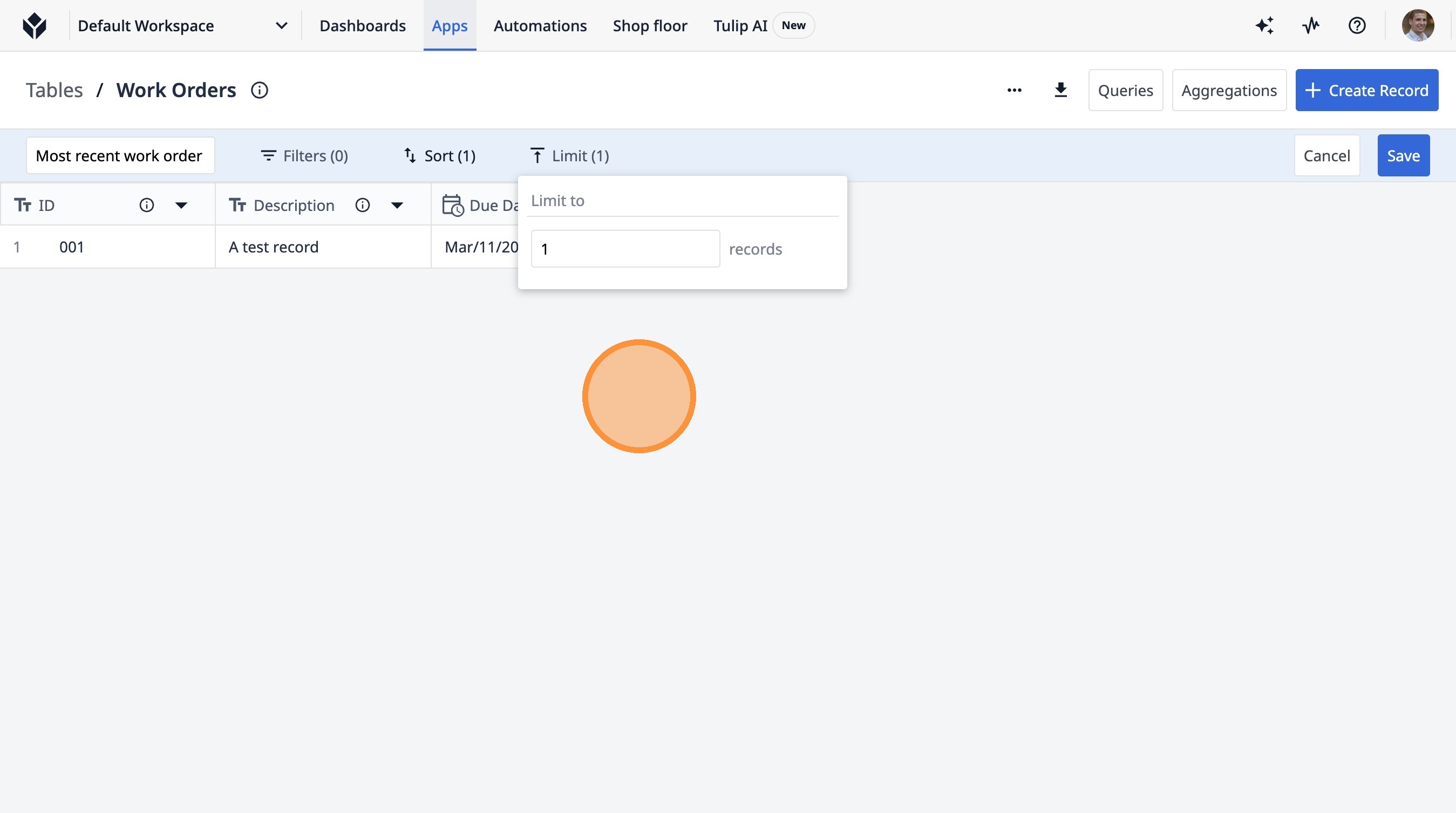
15. Type " [[Backspace]] [[Enter]]"
16. Click "1001A test recordMar/11/2026 11:30:00 -04:00"
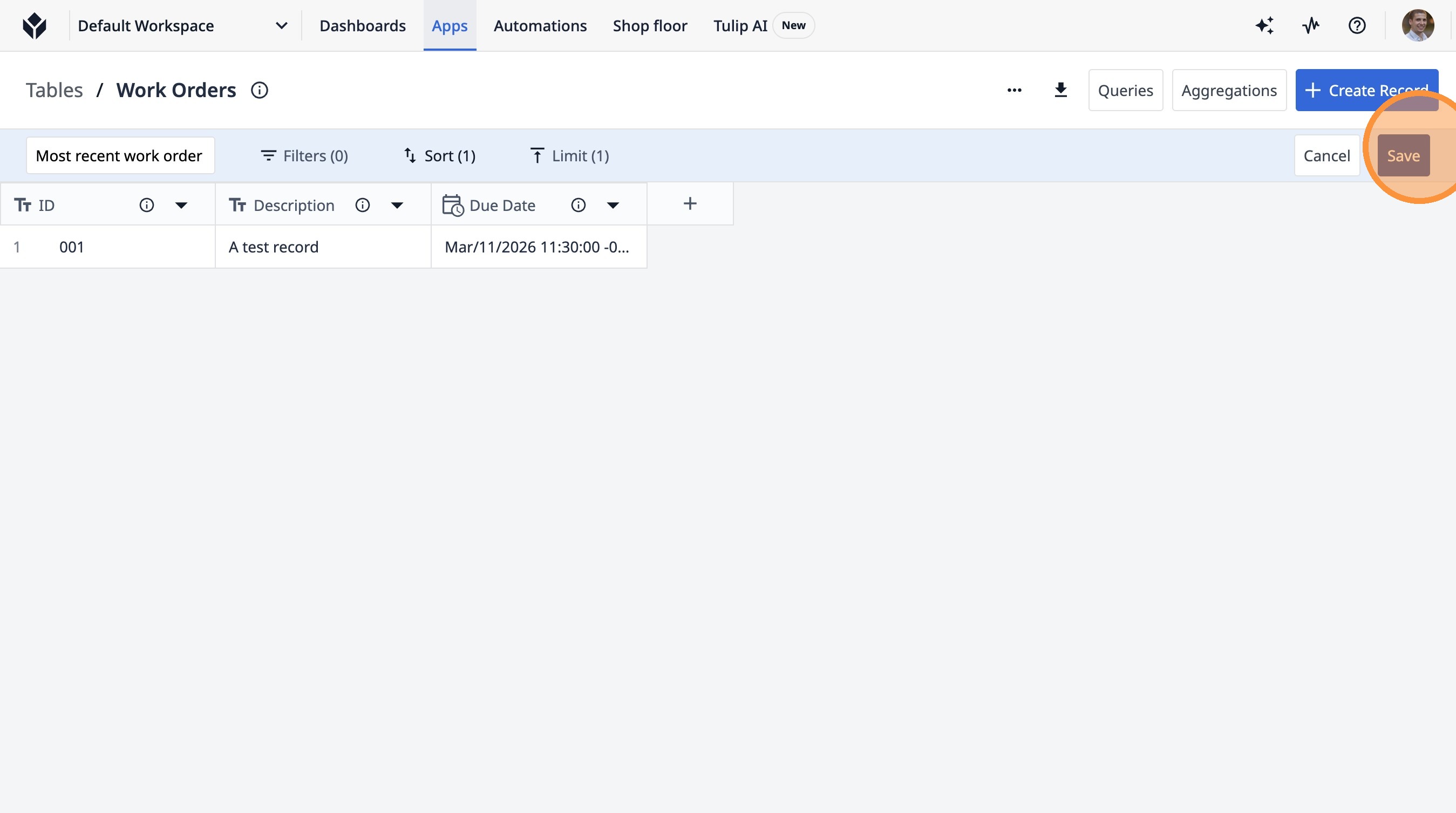
17. Click "Save"
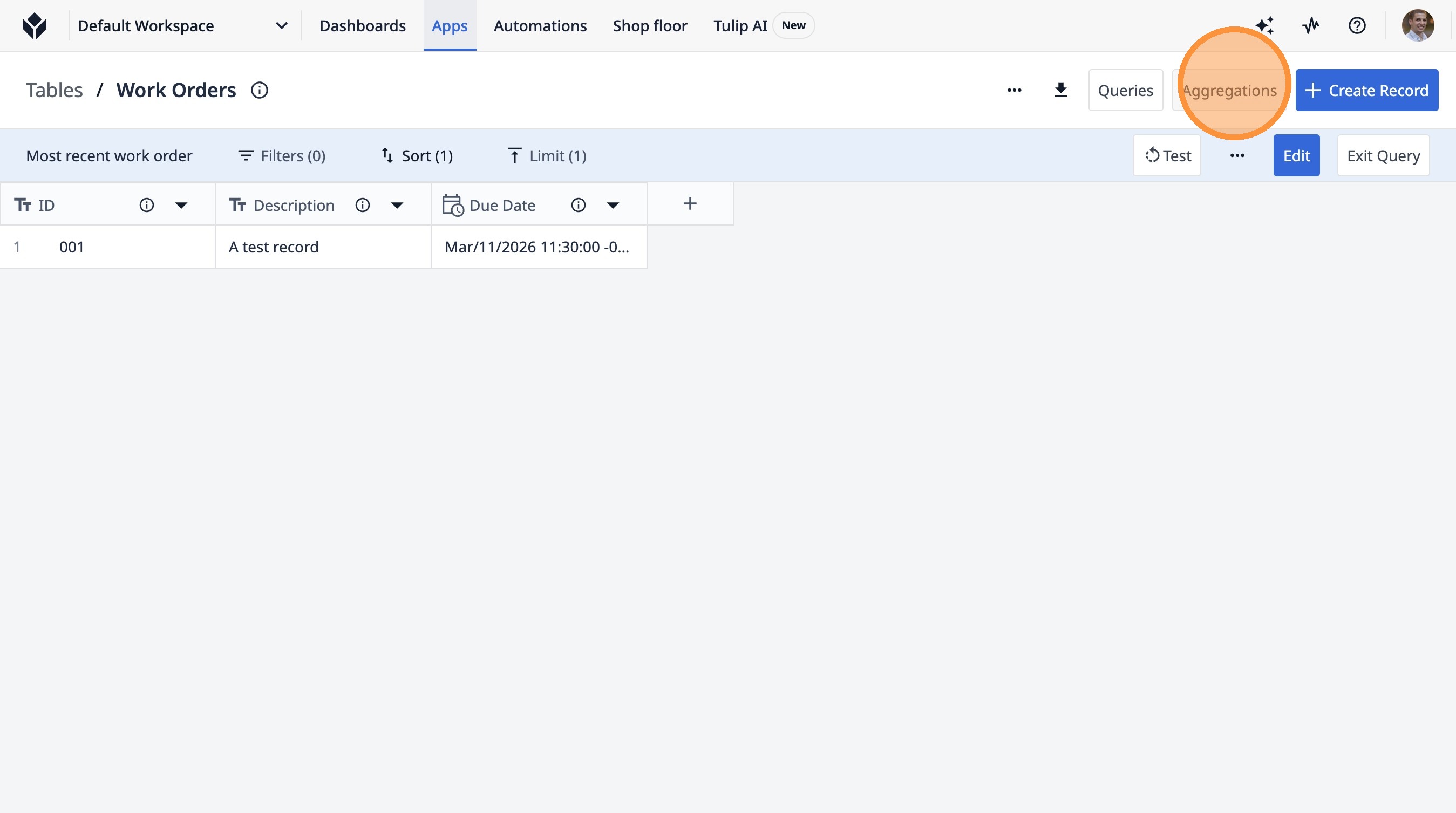
18. Click "Aggregations"
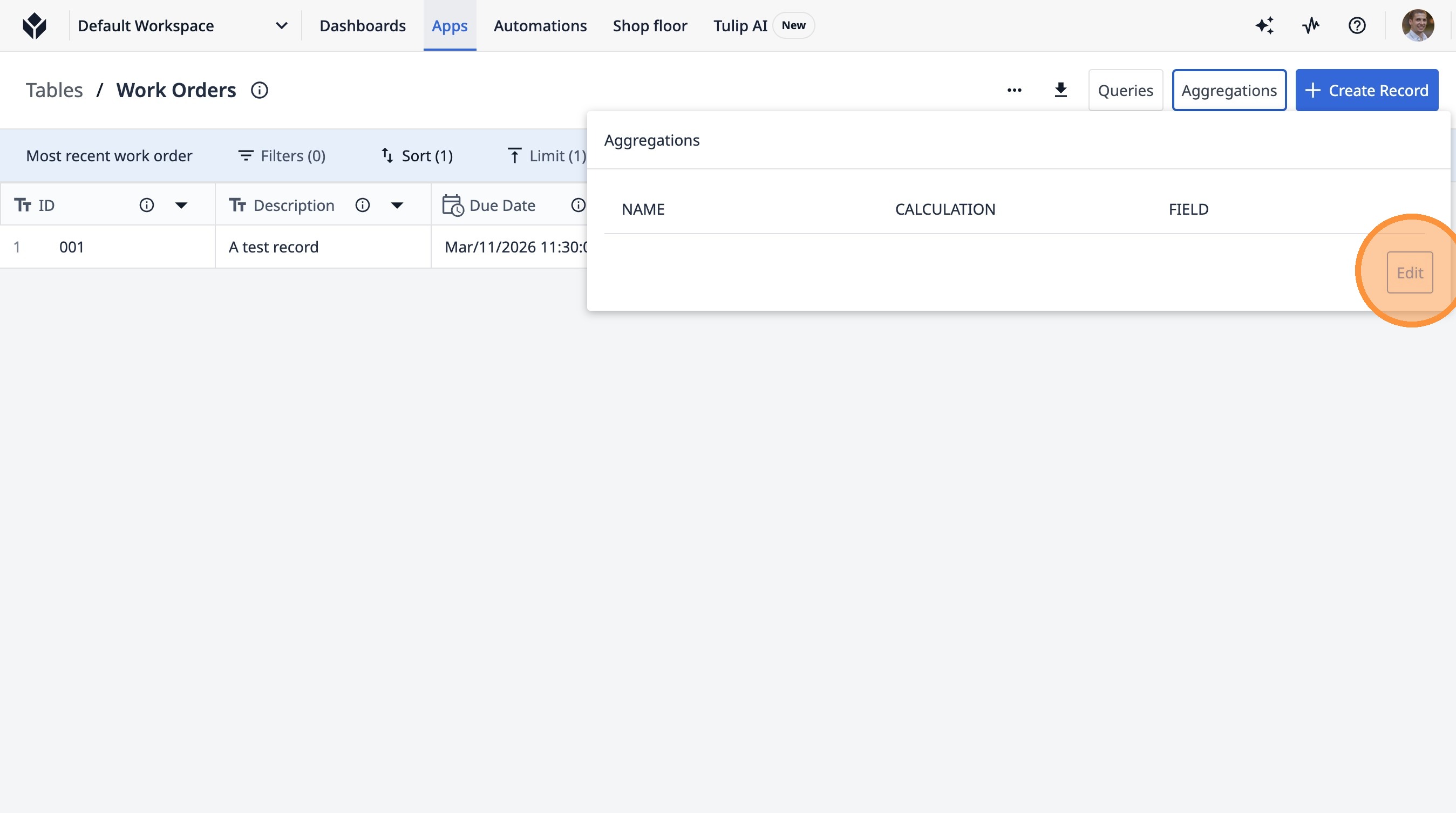
19. Click "Edit"
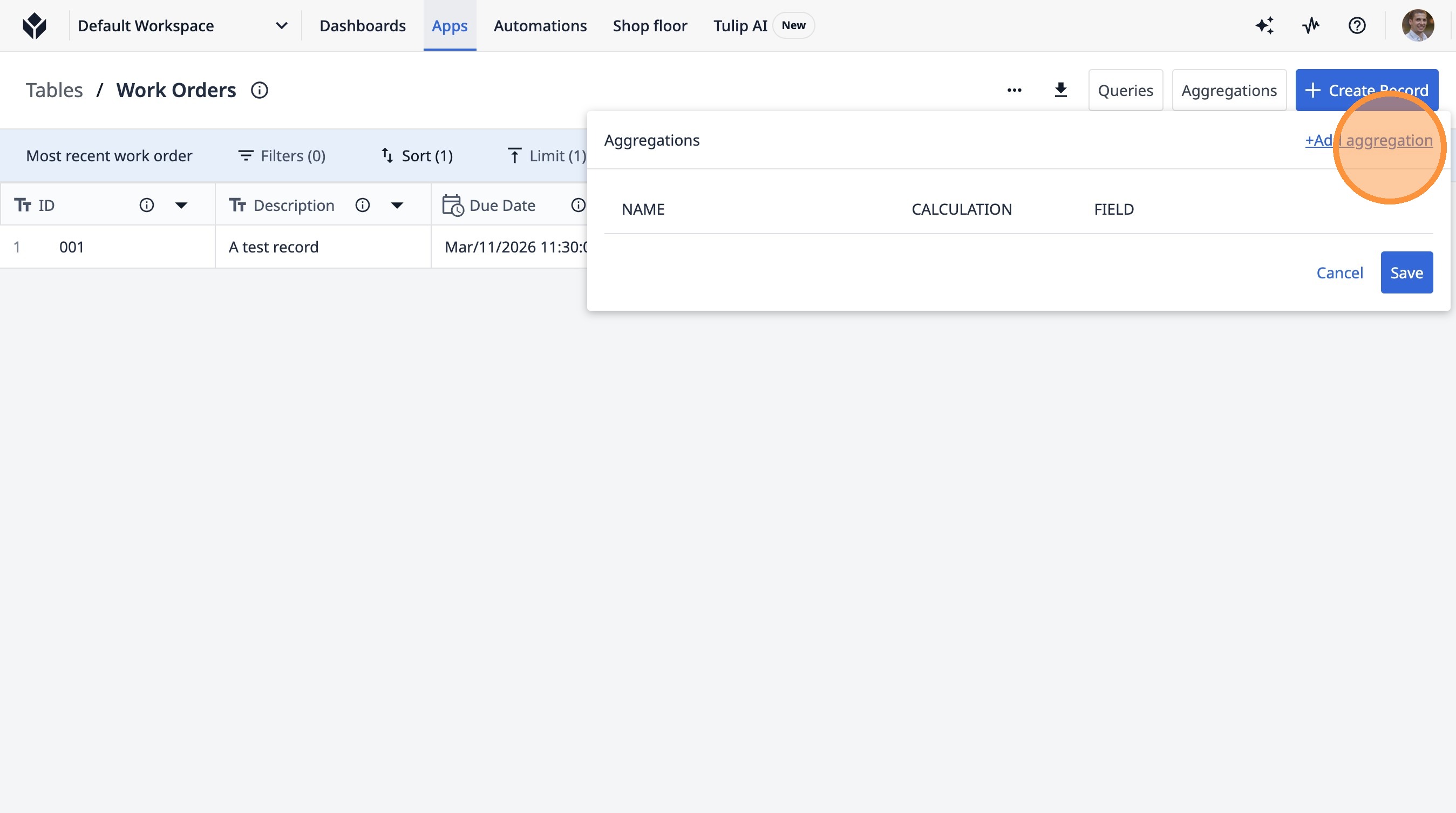
20. Click "+Add aggregation"
21. Click the "Aggregation Name" field.
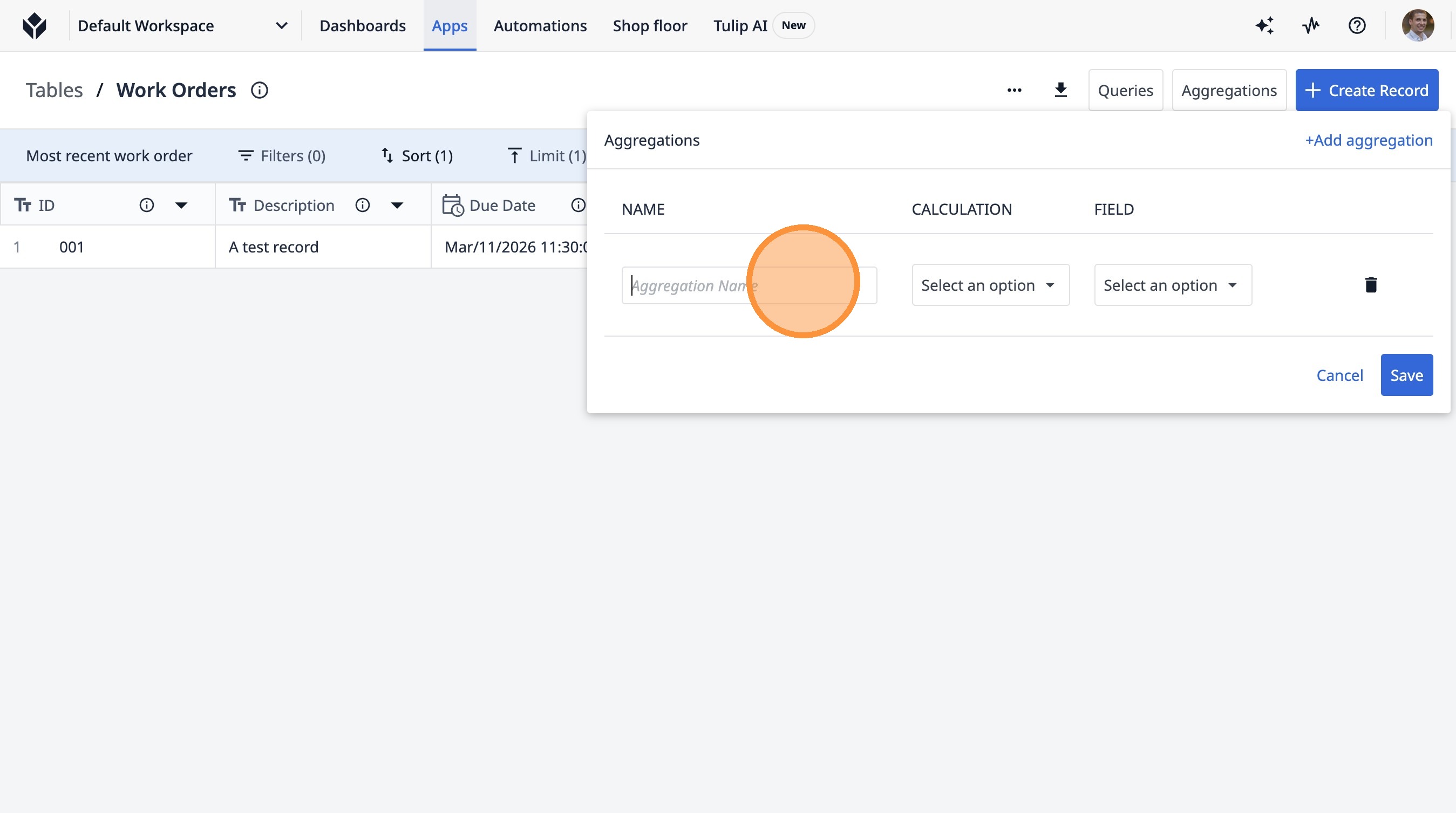
22. Type "Most Recent Work Order"
23. Click "Select an option"
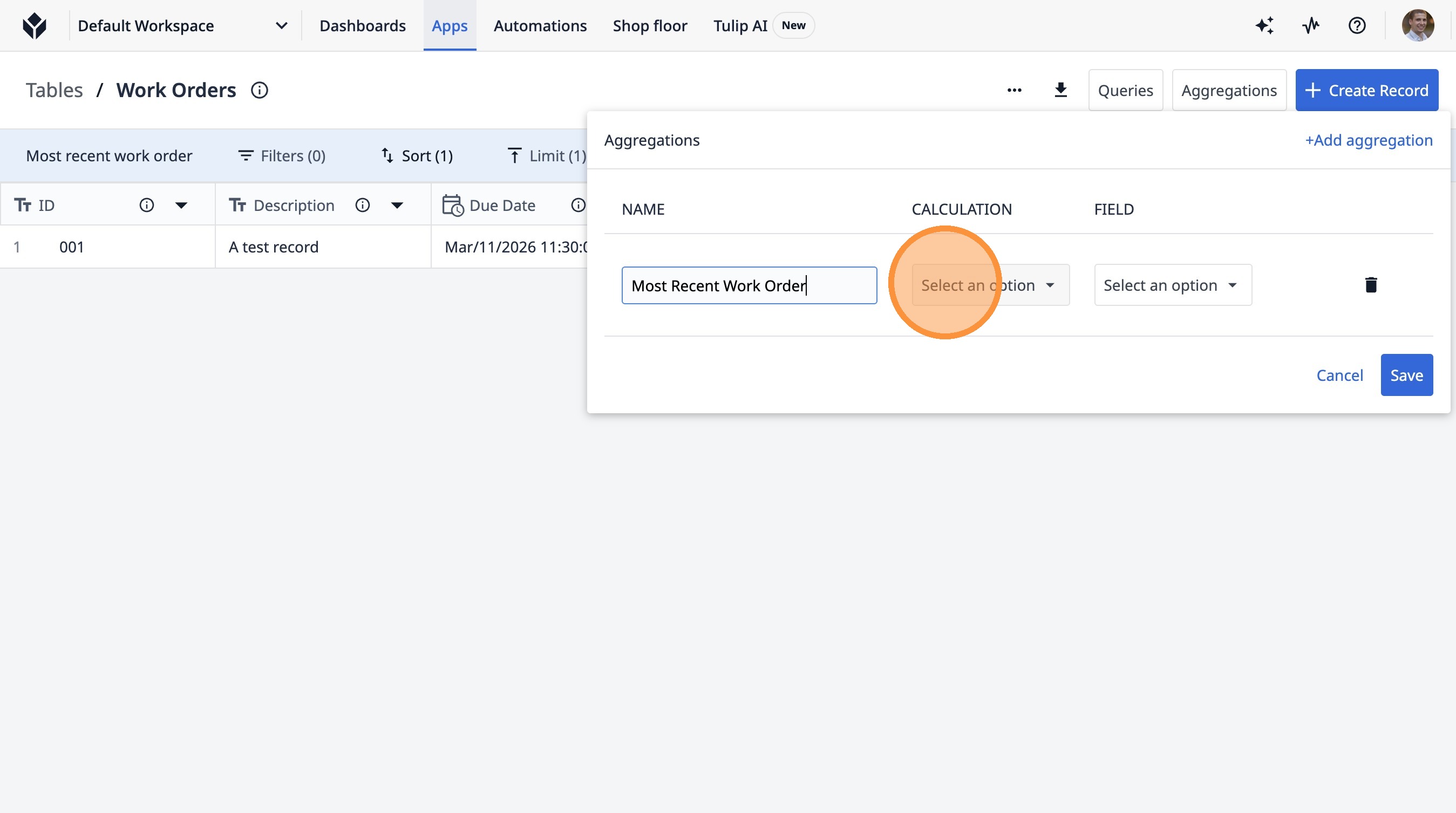
24. Click "Mode"
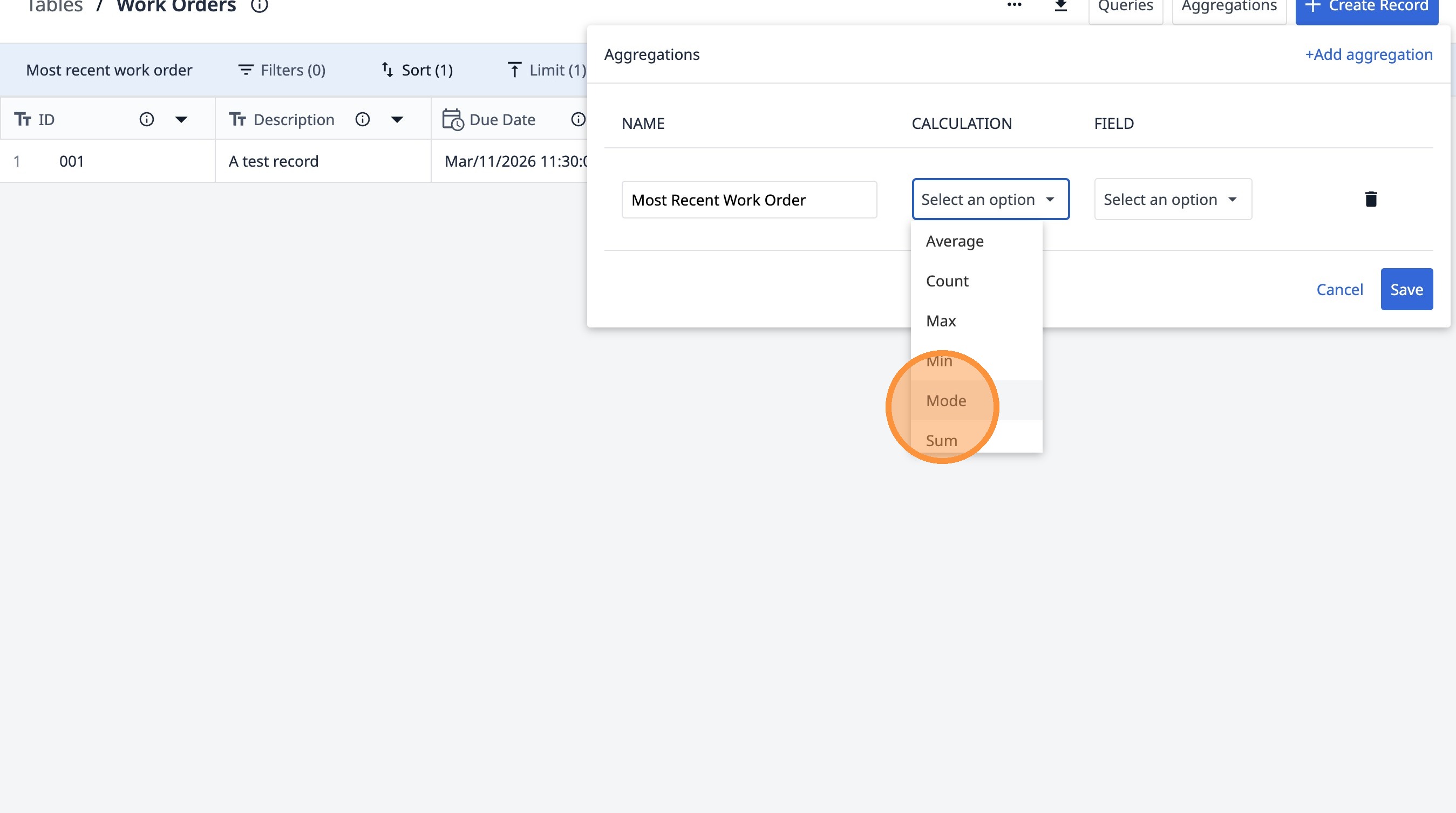
25. Click "Select an option"
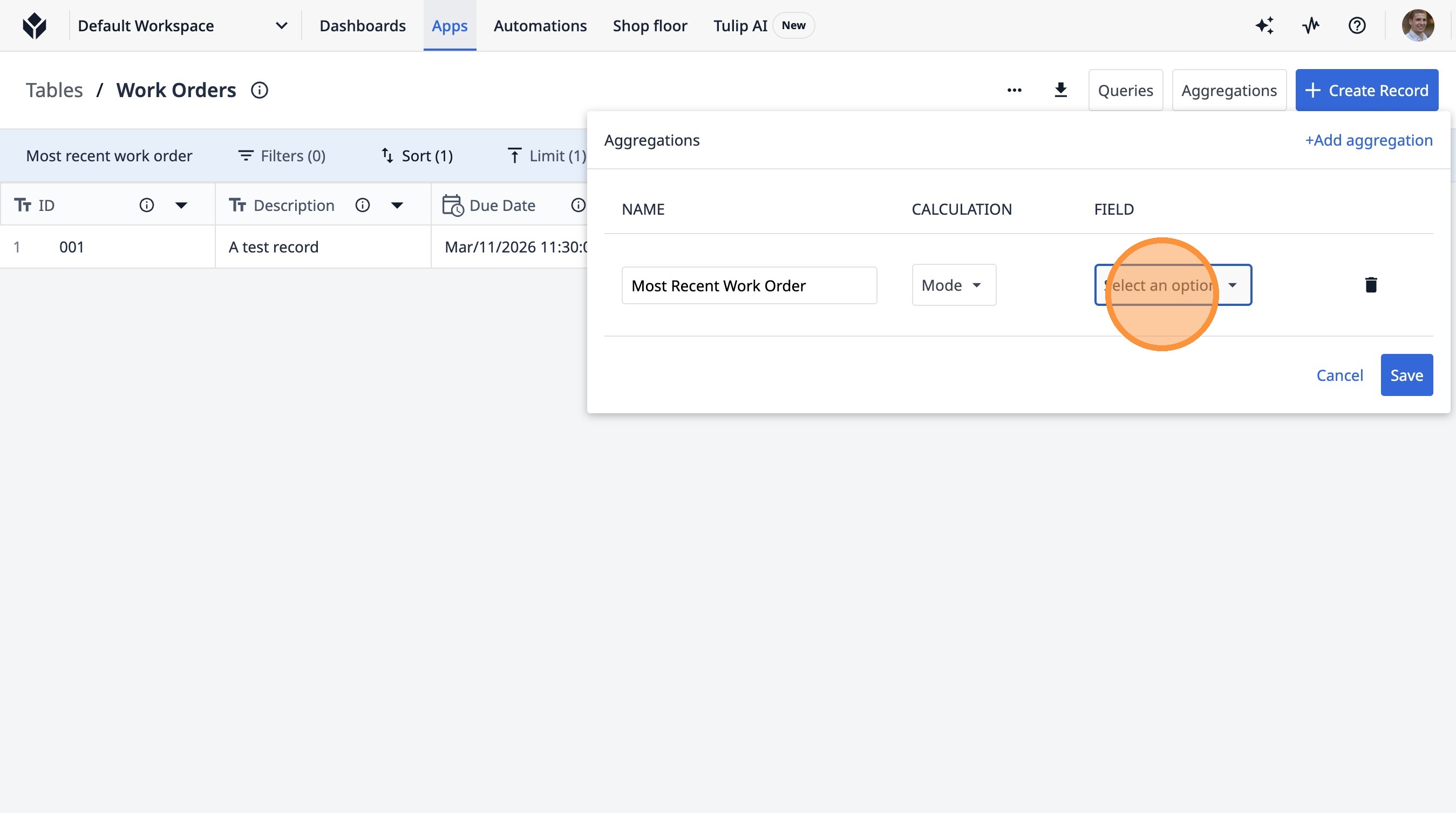
26. Click "ID"
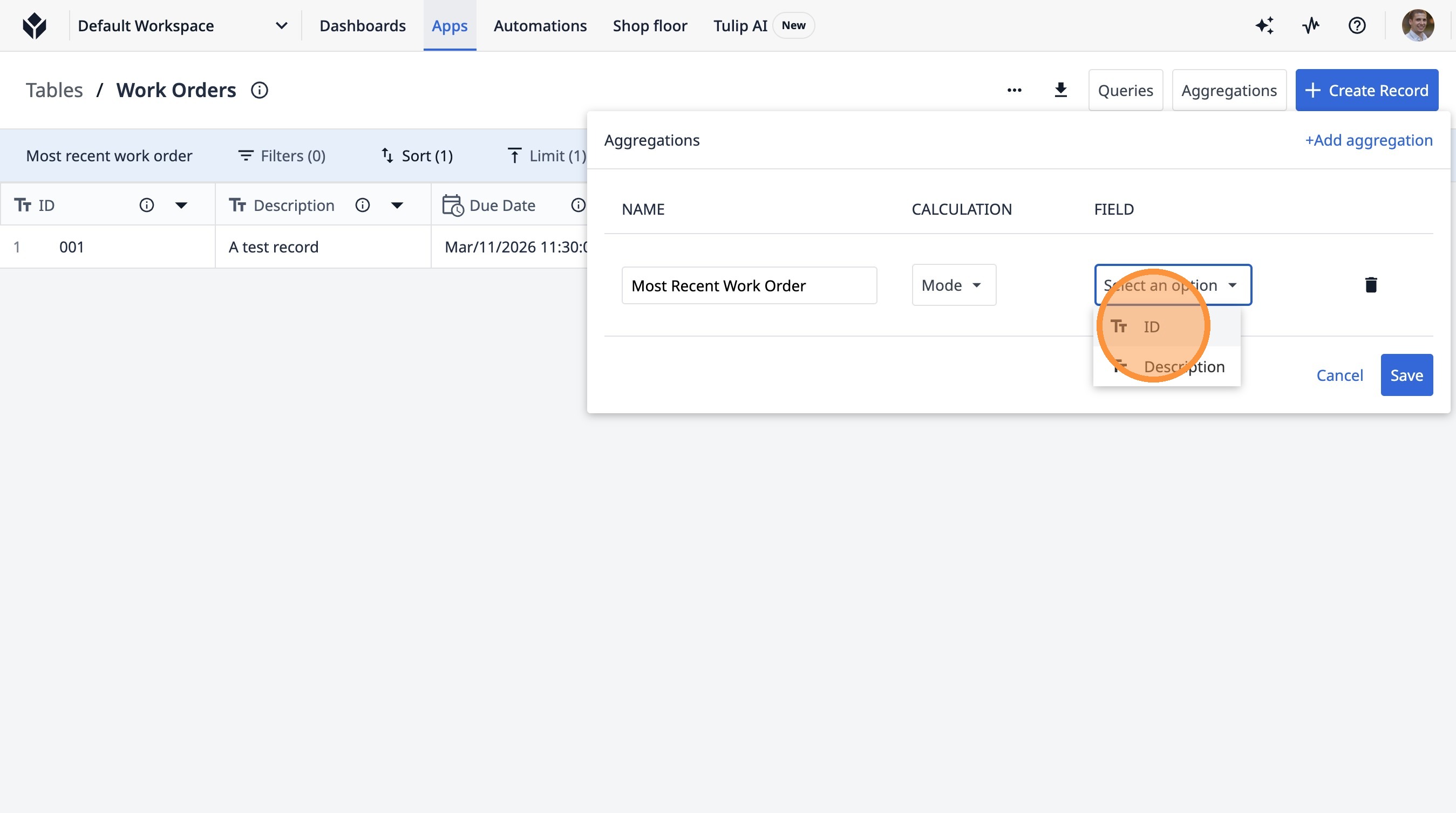
27. Click "Save"